The board carries power, network and sound, so its failure often disguises itself as a flat battery or a broken connector. Here is how to tell the two apart before anything is opened.
Symptoms That Point at the Logic Board
- Boot loop on the Apple logo: the device restarts endlessly without reaching the home screen, which points at the PMIC or a corrupted NAND.
- Heat while charging: the lower half warms up within minutes, a sign of a short on the main rail.
- No network or call audio: the modem or codec section has failed while the cell still holds a normal charge.
- Stable percentage, instant shutdown: the phone shows 40–60% and dies the moment the display lights up, typical of a board that cannot deliver power.
- Charging that ignores the cable: a Tristar or Hydra fault stops the device recognising a known-good charger.
Free Diagnostics That Show the Fault in Front of You
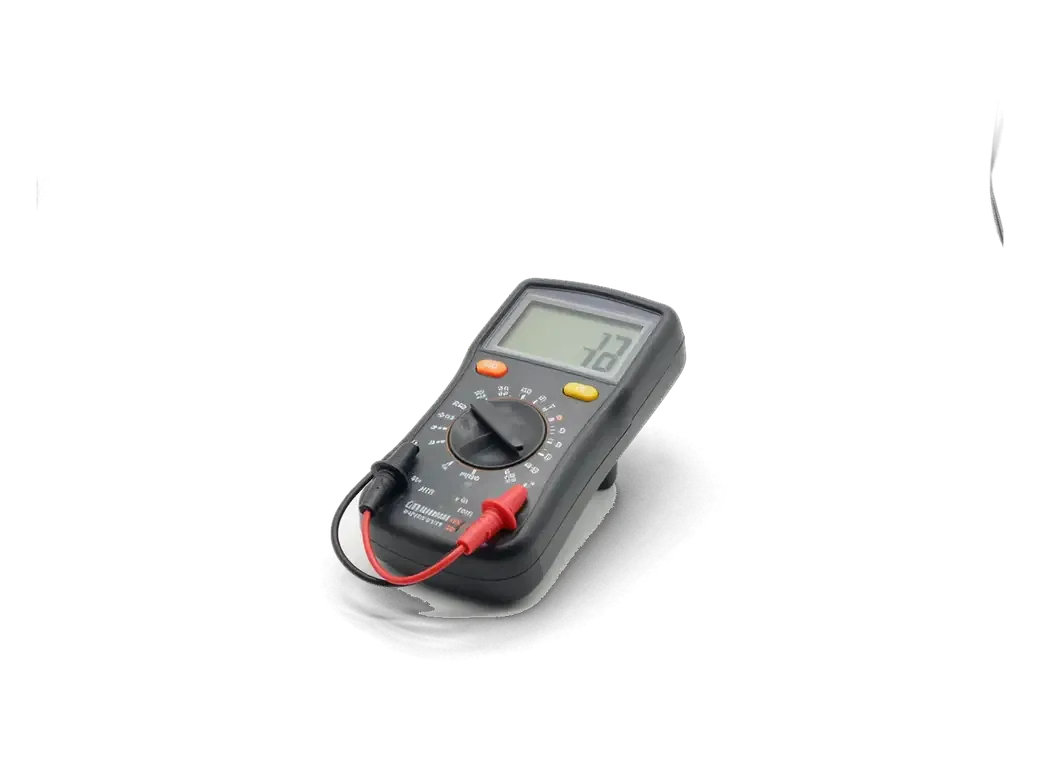
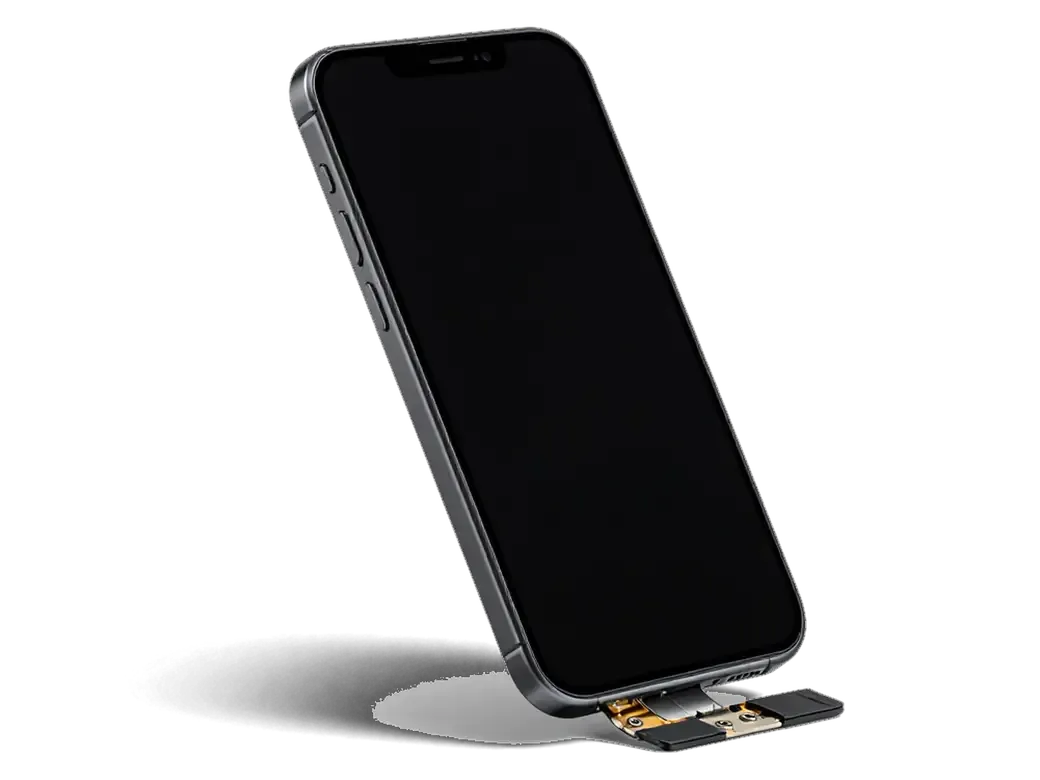
We run free diagnostics in front of the customer for 15 minutes, measuring current draw with a lab power supply to see whether the board pulls power before it even tries to boot. The engineer shows the reading on the screen and names the rail that is drawing, so the verdict comes from a measurement rather than a guess. A healthy 6s Plus takes a few hundred milliamps at startup; a shorted rail jumps straight to the limit and the board stays cold. From there we know whether the fault sits on the primary channel or a secondary one, and that decides how deep the microscope work goes. If the numbers look normal, we check the cell and the charging port first and tell you honestly that the board is fine.
How iPhone 6s Plus Logic Board Repair Itself Works
When owners search for iPhone 6s Plus logic board repair in Astana, they usually want to know what the job actually involves. A logic board repair is not a part swap — it means finding the exact faulty node and restoring it.
From a WhatsApp Photo to a Fixed Board
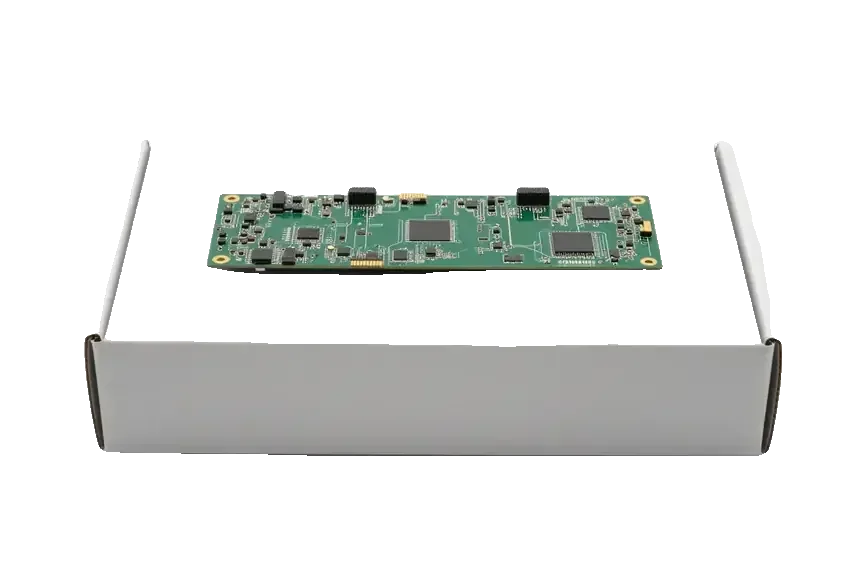
You send a photo of the damage on WhatsApp, an engineer replies within 5 minutes with a price and a free slot, and price, part, turnaround and warranty are fixed on the receipt before work starts. That receipt takes about 2 minutes to write and names the exact component being replaced, so nothing shifts once the board is on the bench. Board repair runs 1–3 days, because a shorted line often hides a second fault that only appears once the first is cleared. The new part arrives in factory packaging and is shown to you before installation. Fixing the terms on paper before the microscope comes out protects both sides — ask for the receipt to list the specific node, not a general "board repair" line.
Which Board Faults We Fix Under the Microscope
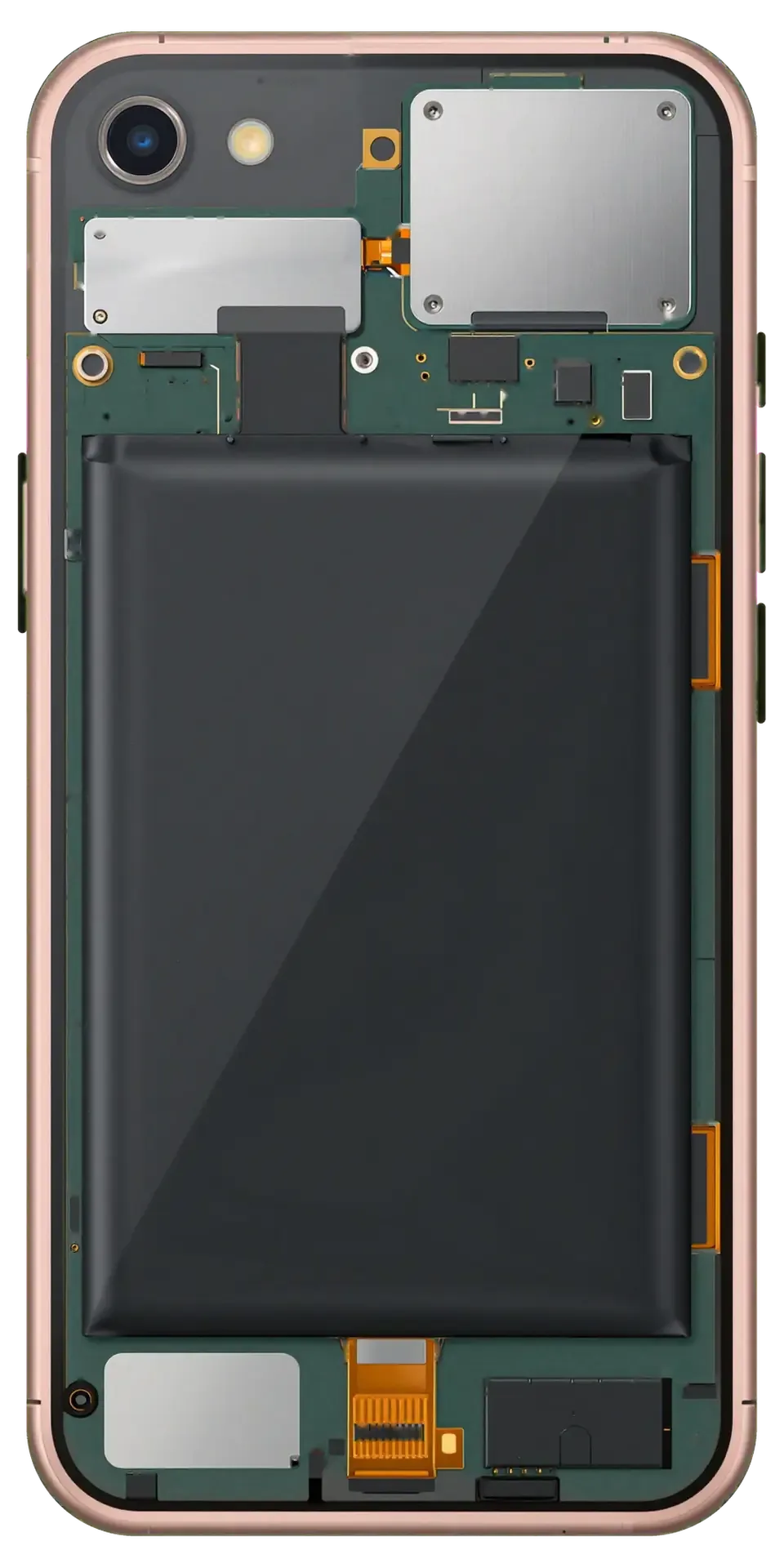
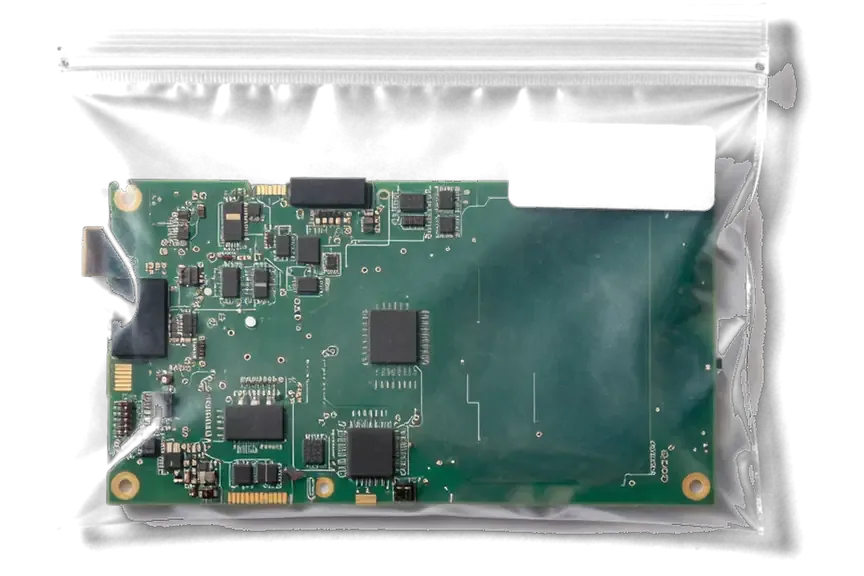
We repair the charging controller, power controller, audio codec, modem section and touch controller under a microscope, replacing SMD parts and reballing BGA chips where needed. A Tristar or Hydra charging chip that no longer negotiates with the charger, a PMIC that feeds no voltage to the CPU, a dead audio codec that mutes the earpiece — each is measured point by point rather than guessed at. Reballing a BGA means lifting the chip, cleaning the pads and resoldering it with fresh alloy, which restores contact without swapping the whole board. A chip that looks intact can still be the culprit, so the engineer confirms the fault by probing the supply it feeds rather than by eye, which is why board work takes 1–3 days instead of an hour.
Component Repair or a Whole Board Swap
An iPhone 6s Plus owner facing a dead board has two routes: fix the failed section of your own board or fit a donor board. The difference is not in price but in what survives and how long it takes.
Repairing Your Own Board Versus Fitting a Donor Board
two repair routes compared by data and biometrics| Option | What happens to your data | Biometrics | Typical turnaround |
|---|
| Component repair | Stays on your NAND | Touch ID keeps working | 1–3 days |
|---|
| Donor board swap | Not transferred | Touch ID stops working | 1–3 days |
|---|
| Donor board, clean of iCloud | Not transferred | Touch ID stops working | 1–3 days |
|---|
Why a Donor Board Must Be Clean
A replacement board has to match the iPhone 6s Plus model exactly and carry no iCloud activation lock, otherwise the phone boots into an activation screen you cannot pass. The board holds the NAND, the serial number and the IMEI, so a replacement changes all three at once. A board pulled from a locked device stays locked even after a clean install of the system, and no amount of flashing removes that check. Matching the model matters just as much: a 6s board will not fit a 6s Plus chassis, and a mismatched board leaves the display and charging circuits unsupported. Ask for the serial and IMEI of the donor board before the swap and check the activation state yourself. If you are weighing your options, a clean donor board is only half of the decision.
What Survives the Repair and What Does Not
The first question most 6s Plus owners ask is whether their photos will still be there and whether the fingerprint sensor will keep working. We answer each point separately, without promising anything the hardware cannot deliver.
Your Photos, Messages and Files
Your photos and messages live in the encrypted NAND chip on the board, so a component repair keeps them and a whole-board swap does not carry them over. That chip stores every file in encrypted form and is tied to the board it was soldered to, which is why data cannot simply be lifted from one board and dropped onto another. When we repair your own board, the NAND stays in place and the data stays with it. If the board will not boot at all, the engineer can sometimes read the NAND directly, but that is a separate recovery job and not something to count on once the old board is gone. The safest habit is an iCloud or computer backup before any board work starts.
Touch ID and the Home Button on the 6s Plus
On the iPhone 6s Plus the Touch ID sensor is paired with the processor on your own board, so a component repair keeps the fingerprint working and a donor board does not. The pairing is set at the factory and cannot be re-created by software or by moving the button to another board. The Home button still clicks on a donor board, which makes the loss easy to miss until you try to unlock the phone with a fingerprint and nothing happens. The same rule covers the IMEI and the network identity stored on the board. Anyone weighing a swap should test the fingerprint reader before paying for the job, not after.
Water Damage, Timing and What You Get Back
Two questions come up ahead of almost every board job — what happens after liquid gets inside, and what the owner checks when the device comes back. Here is how both work at our bench.
Why a Wet Board Needs Longer Diagnostics
After water contact, diagnostics can take up to two days because corrosion keeps spreading under the chips even once the handset looks dry, and we clean the board in an ultrasonic bath before testing. Oxide bridges form between pins that were never meant to touch, so a circuit that reads fine on one pin can short on the next. The bath lifts that residue out from under the shields, then the engineer reflows and retests each section. Switching the device on to "check if it still works" pushes current through wet contacts and turns a cleanable board into a dead one, so keep it off until the engineer sees it.
The Check Before Handover and the Warranty
- Function pass: the engineer runs 32 checks in about 10 minutes with you watching — cameras, microphones, speakers, charging and network.
- Repair record: price, the part fitted, turnaround and warranty were fixed on the receipt before work started, so the final bill matches what you agreed.
- Warranty card: coverage runs up to 1 year on the board job, and the card names the exact fault that was repaired.
- Old part returned: you take the original board home with the receipt, which matters if a donor part was involved.
- Payment: Kaspi, card or cash, settled once you have seen the device work — testing network, cameras and charging together with the owner catches a fault while the unit is still on the bench.
Summary: iPhone 6s Plus Logic Board Repair
A logic board fault rarely looks like one, so the points below pull the whole picture together before you decide what to do with the phone.
- Symptom pattern: boot loops, heat or lost network point at the board, while a fast-draining battery alone usually does not.
- Current-draw diagnostics: measuring draw separates a board problem from a dead battery or a worn connector.
- Component repair: keeps data, serial number and Touch ID, whereas a donor board keeps none of them.
- Water damage: switch the phone off and allow a longer diagnostic window before any verdict on the board.
- Verification: a final function check plus a written warranty is what makes the repair checkable afterwards.








 iPad
 MacBook
 iMac
 Mac mini and Studio
 Apple Watch
 AirPods
 Apple Pencil
 Apple TV
 HomePod




