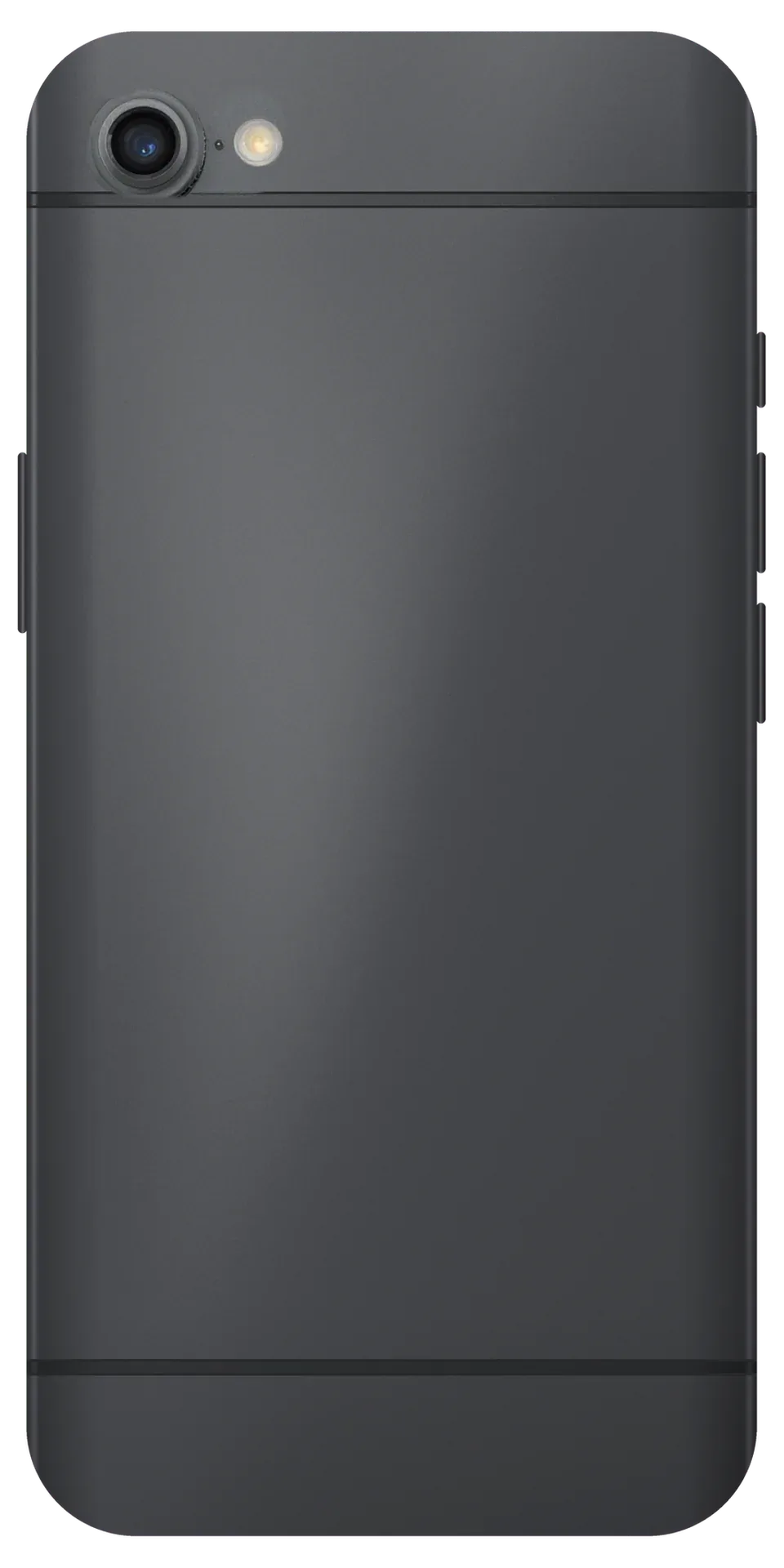
The 6 Plus was the earliest iPhone with optical stabilisation, and its raised camera block takes the hits. We read the symptom — black screen, shaking, spots — as each points to a different component.
Why the 6 Plus Camera Shakes and Clicks
- Failed stabiliser: shaking, clicking image on the 6 Plus means the optical stabiliser inside the camera assembly has failed; no software reset fixes it.
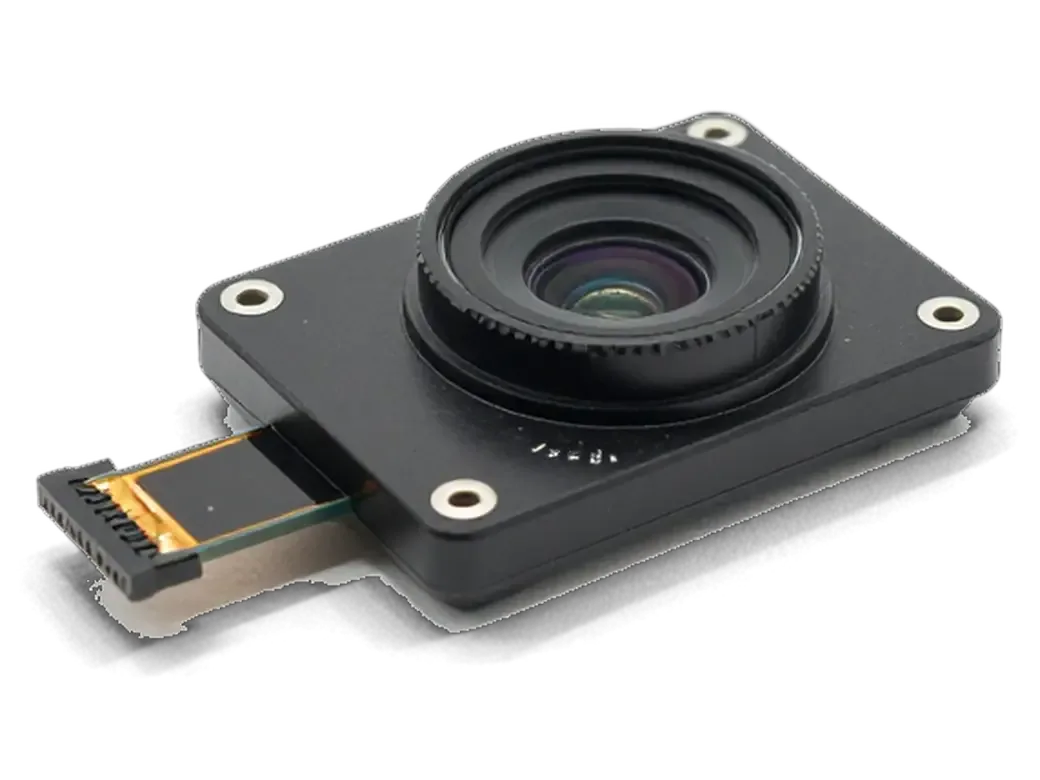
- More moving parts: the 6 Plus was the earliest model with optical image stabilisation, so its camera holds more moving parts than the plain 6.
- Drop damage: a drop leaving a 6 camera intact can still kill the 6 Plus autofocus, because stabilisation absorbs the shock first.
- Not software: reinstalling iOS or resetting settings changes nothing once the stabilisation block is loose.
- Our call: we replace the whole camera assembly rather than the stabiliser alone, since parts are sealed at the factory.
Symptom, Cause and What We Do
Symptoms matched to the part they implicate| Symptom | Likely cause | What we do |
|---|
| Spots or blur, focus still works | Cracked or dusty lens glass | Replace the glass only |
|---|
| Black screen after a drop | Module or loose flex cable | Reseat the cable, else swap the part |
|---|
| Shaking and clicking | Failed stabiliser | Replace the assembly |
|---|
| No focus at any distance | Autofocus motor | Replace the camera unit |
|---|
| Black screen after water | Oxidised board contact | Board diagnostics under microscope |
|---|
When the Board Is to Blame, Not the Camera
- Fresh module, same black screen: a new module showing nothing means a board fault — damaged connector or broken power line.
- Microscope first: we trace the line under a microscope; the free 15-minute check shows which side is dead.
- Water damage: oxidation is the usual reason a camera dies without a drop; after liquid contact diagnostics can take longer than usual.
- Told at diagnosis: board work changes the timeline, so we say so before fitting the new part.
- Front camera link: the front camera sits on the same board as the rest of the imaging circuit, so a fault there can knock out the front camera too.
Glass or Full Module for iPhone 6 Plus Camera Replacement
The raised block on the 6 Plus makes the outer pane sit proud and crack far more often than the camera unit behind it, so we tell the two apart before quoting.
When Replacing Just the Lens Glass Is Enough
- Sharp frame with a fixed spot: crisp picture with a smudge in one corner means optics are fine; only the outer layer needs replacing — a 20-minute job.
- Focus still locks: the sensor stays untouched, so we swap the protective layer alone.
- A flare that never moves: aim at a lamp and a cracked pane throws a streak in the same place.
- Steady handheld video: smooth clips rule out failing stabilisation.
- Quick self-test: a dying camera blurs the whole image and needs the full unit.
Glass Versus Module at a Glance
Matching symptoms to the right fix| Repair | Signs it fits | What we check after |
|---|
| Outer glass only | Sharp focus, spot or flare | Focus, no dust underneath |
|---|
| Full module | Shake, click, no focus | Stabiliser, flash, video sound |
|---|
| Both, if unsure | Mixed symptoms | Shake test, then quote |
|---|
Why the Raised Block Cracks So Often
- Proud optics on aluminium: the 6 Plus was the earliest model with a camera standing proud, so the outer pane takes the impact in a flat drop.
- Corner-first landings: the block sits at the top corner, the spot a phone most often hits when it slips.
- Cheap insurance: a case with a raised lip around the camera is the cheapest protection here.
- Small crack, big flare: even a hairline scatters light across every frame, so the fault shows up in photos early.
Keeping Stabilisation and Camera Functions After iPhone 6 Plus Camera Replacement in Astana
A new camera module only counts as a fix if the 6 Plus stabilises, focuses and records sound properly. We run these checks with you at the counter.
What We Test Together Before You Leave
- Full function sweep: 32 functions in about 10 minutes, covering focus, image stability, flash, sound recording and the front lens.
- Walking clip: record a short clip while walking — the only test that shows stabilisation working.
- Flash and lens block: checked beside the lens, as both share one block and connector.
- Front camera: verified separately for selfies and calls, since its ribbon sits on a different flex.
- Your turn at the counter: you hold the phone, shoot your own frames and sign off when results look right.
Does the 6 Plus Keep Its Stabilisation
- Image stability: returns with any working unit, original or aftermarket, because it is built into the component itself.
- Autofocus: tested at close and far range before handover, from a page at arm's length to a building across the street.
- Flash and lens block: checked alongside the lens, since a loose connector dims the flash at once.
- Front camera: verified separately for selfies and calls.
The Camera Checks That Catch a Weak Unit
We test the optics five ways before handover — a close-up, a distant shot, a walking clip, a flash photo and a front-camera selfie — because a module can pass one and fail another. A unit that nails a text page at 20 cm may blur a facade fifty metres away, and a flash frame exposes a misaligned connector daylight never reveals. A lens that focuses fine in daylight but hunts in low light is usually a weak aftermarket module, so we shoot one dim frame before signing off. This is the same routine we follow for every iPhone 6 Plus camera replacement in Astana, so the checks stay identical from one visit to the next.
Original or Aftermarket Module for the 6 Plus
On a phone this age the part choice matters more than on a new handset, since original modules are scarcer. We lay both options out before ordering.
How the Two Options Differ in Practice
An original part matches the factory image and stabiliser behaviour, while an aftermarket unit costs less and usually works but can differ in colour and low-light noise. The genuine part ships with the same sensor and optical stabilisation unit the 6 Plus left the factory with, so white balance and focus speed stay predictable across all eight megapixels. A compatible unit uses its own firmware profile, and on a handset this old the tolerance stack is wider — expect a warmer tint indoors and softer corners. We test both under the same lamp, so the comparison is visual. The gap shows up most in video stability, so for moving footage the genuine unit is the safer pick.
What Gets Fixed on the Receipt
- Part type: original or aftermarket, named on the receipt.
- Turnaround: the agreed time, fixed in writing beforehand.
- Warranty: up to 1 year, written on the card.
- Old part: returned to you at pickup, bagged and labelled.
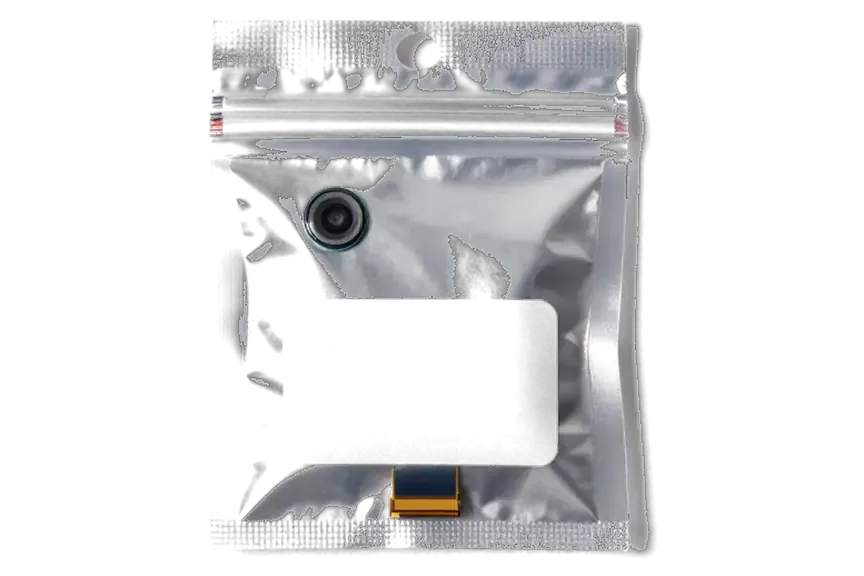
- Packaging: the new module is shown sealed prior to opening.
Why Most Customers Still Pick the Original
Most of our customers choose a genuine part, and on the 6 Plus the reason is simple — this is the single component where a small saving shows up in every photo and video. The stabiliser, colour rendering and low-light behaviour all come from the same assembly, so a cheaper sensor changes the output you see daily rather than a spec sheet. We quote both on the receipt and let the sample images decide. The choice is reversible in a single direction only, so we suggest starting with the factory unit and keeping the old one, which makes a later swap to aftermarket pointless rather than necessary.
Booking the Visit and What to Do First
A camera job on the 6 Plus rarely needs the phone left behind. Here is how the visit runs and what to do beforehand.
From WhatsApp Photo to Pickup
Send a photo of the damage on WhatsApp and an engineer replies with a price and a free slot; the whole process from initial contact to pickup usually takes under an hour. The quote comes from the picture, you agree a time, and the visit is booked without a call or a queue. On arrival the device gets free diagnostics in front of you — about 15 minutes, even if you decide not to repair — and the price, component, turnaround and warranty are fixed on the receipt in roughly two minutes. Most jobs on this model run 20 to 40 minutes, and most repairs finish while the customer waits in the seating area.
What to Do Before You Come In
- Back up ahead of time: an iCloud or computer backup keeps photos and contacts safe.
- Cover cracked glass: tape over the lens stops dust reaching the sensor.
- Skip the hairdryer: heat after water pushes moisture deeper.
- Note the symptoms: what fails and when helps the diagnosis.
How the Replacement Itself Runs
- Open and disconnect: we lift the display and unclip the camera flex from the board.
- Show the part: the new part is shown in factory packaging prior to installation.
- Seat and reassemble: the old unit comes out and the new one seats on its bracket.
- Test prior to payment: we check the 32 functions, including stabilisation, together with you.
- Hand back the old part: the device comes back with the receipt and warranty card.
Summary: iPhone 6 Plus Camera Replacement
The camera on this model fails predictably, and the right approach depends on which component gave out — the front glass, the module or the board.
- Read the symptom up front: spots and haze mean outer glass; shaking or rattling means the whole camera unit.
- The 6 Plus stabiliser is fragile: a drop leaving a plain 6 working can still kill optical stabilisation.
- The quick route is the cover: swapping it takes about 20 minutes; full assembly 20 to 40 minutes.
- Test by recording video: a short walking clip is the only honest stabilisation check; stills hide shake.
- Put the terms on paper: component name, turnaround and warranty belong on the receipt.







 iPad
 MacBook
 iMac
 Mac mini and Studio
 Apple Watch
 AirPods
 Apple Pencil
 Apple TV
 HomePod




