On the iPhone 4 the glass, digitizer and LCD are bonded into a single unit, so swapping just the outer pane almost never works. Here is how to read the symptoms and tell which part actually failed.
Cracked Glass, Lines or Dead Touch Spots
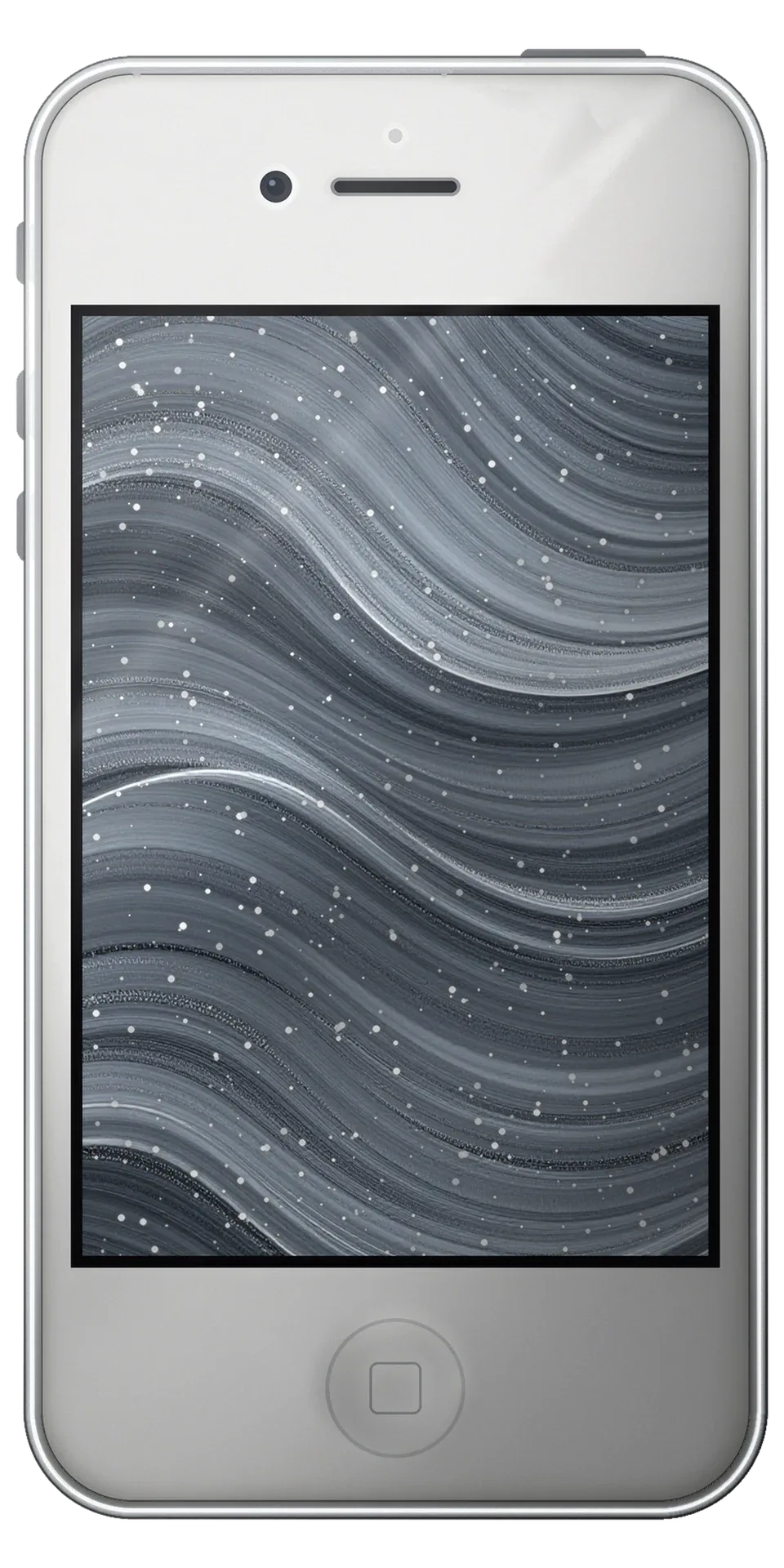
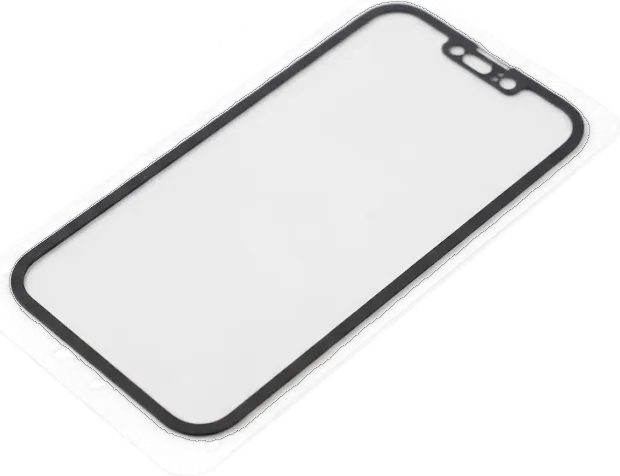
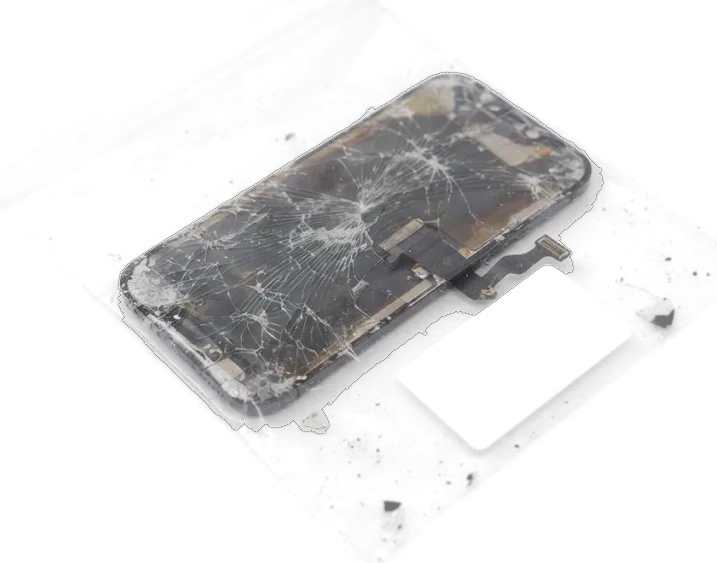
On the iPhone 4 the pane, digitizer and LCD are laminated into one unit, so a crack almost always means the whole display assembly is replaced. A hairline split that spreads across the top, bright vertical lines, dark patches in a corner or dead touch zones along one edge all point to damage inside that bonded stack rather than to a loose component. The touch film sits directly under the outer surface, and once it is crushed, taps stop registering even where the picture still looks clean. We see the same pattern on nearly every unit that arrives with a shattered pane. Lines, dark patches or ghost touches without any visible break point to the flex cable or board rather than the panel, and that is exactly what a 15-minute check in front of you is meant to separate.
When the Screen Looks Fine but Stops Responding
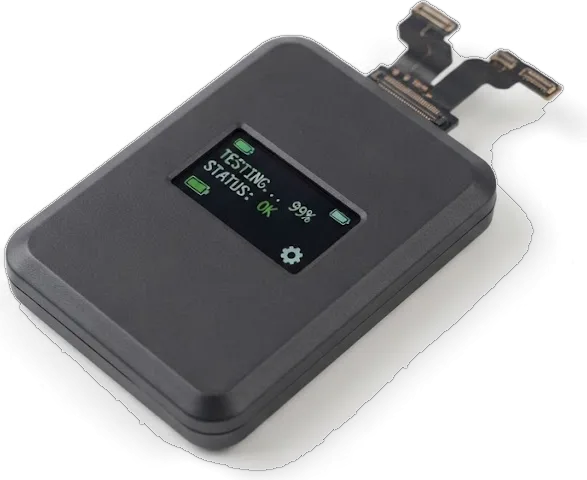
We start with free diagnostics in front of you, and the engineer shows on the spot whether the fault sits in the display flex, the connector or the board. The panel can hold a perfect image while the sensing film underneath is dead, and a phone that took a knock or a splash often behaves exactly like that. Water is the harder case: after liquid gets in, diagnostics can run up to two days, because corrosion spreads along the connector pins before any symptom shows. A handset that took a hit can show a flawless picture and still ignore taps, so replacing the module first would waste a working part. The check tells you which component actually failed.
Original or Aftermarket Module for Your iPhone 4
For this model both options are LCD assemblies, and the real difference comes down to the matrix, the sensor layer and how long the panel holds up. Here are the parameters people actually weigh up.
How the Two Module Types Differ
Original versus aftermarket LCD assemblies side by side| Parameter | Original module | Aftermarket module |
|---|
| Panel type | LCD, factory spec | LCD, third-party |
|---|
| Brightness and colour | Matches the original | Slightly dimmer, cooler tint |
|---|
| Touch response | Full sensitivity | Good, occasionally softer at edges |
|---|
| Lifespan under daily use | Longest | Shorter, depends on batch |
|---|
| Fit and frame | Exact | Exact, minor gap possible |
|---|
What We Show You Before Installation
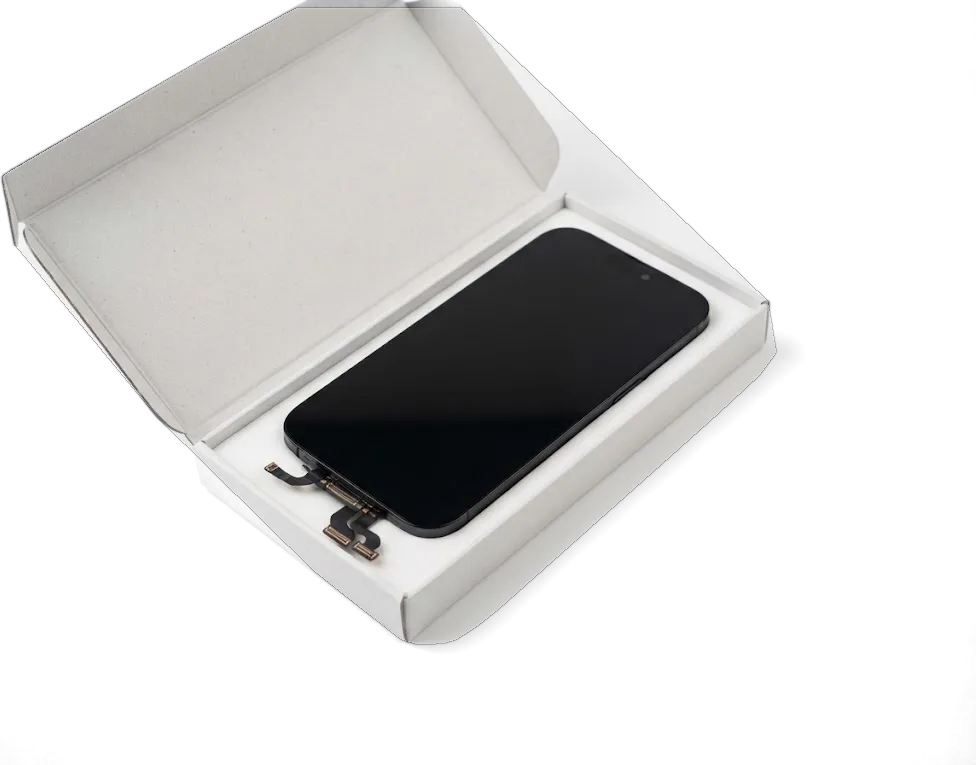
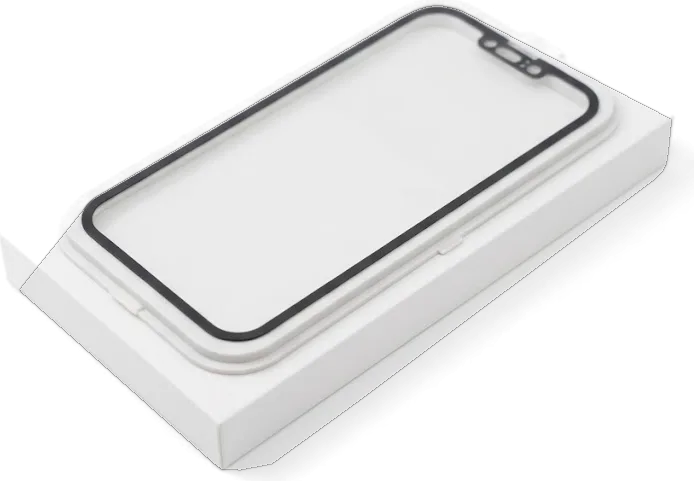
We show the new module in its factory packaging before it goes in, and the part type, turnaround and warranty are written on the receipt in about two minutes. The engineer opens the box in front of you, checks the flex connectors against the old unit and confirms the panel is the one you agreed on. Original assemblies keep the factory brightness curve and colour temperature; aftermarket panels are dimmer and run cooler in tone, which matters if you edit photos or read outdoors. Across our repairs, 64% of customers choose an original part, and that pick is locked on paper before the screwdriver comes out. Seeing the sealed part and the paperwork before work starts is what separates a straight repair from a guess, and it also tells you whether the old module is worth keeping.
What Survives the Swap on an iPhone 4
This handset has no Face ID and no True Tone, but it does have a Home button and a top flex carrying the earpiece and proximity sensor. Here is what moves across and what carries on unchanged.
The Home Button and Top Flex Cable
We transfer the Home button and the top flex together with its speaker and proximity sensor onto the new module, so the phone behaves exactly as it did. That cable also carries the front camera, which stays with the existing assembly rather than the replacement glass. On this generation the Home button is paired with the board, and a different one can leave it unresponsive — which is why the factory part always travels to the new panel. The proximity sensor sits behind the earpiece grille and needs clean seating, or calls will keep the display awake against your cheek. Our engineers lift these components with a heat mat and plastic pry tools, never metal, because the flex connectors on a phone this old turn brittle. We photograph the layout before disassembly so every screw returns to its original hole.
What Stays the Same After the Repair
- Touch response: the digitizer tracks every tap and swipe across the whole panel, including the edges.
- Auto-brightness: the ambient sensor keeps working, so the display still dims in a dark room.
- Earpiece and proximity: calls cut the screen off when you hold the phone to your ear, exactly as they did.
- Front camera: the existing camera stays in place and keeps its picture quality.
- No parts warning: this generation does not show the iOS notice about an unconfirmed display.
How We Carry Out the iPhone 4 Display Replacement in Astana
The work happens in front of you, from the first WhatsApp message to the moment the device leaves the bench. Here is how the steps run and how you learn the cost in advance.
From WhatsApp Photo to Finished Screen
You send a picture of the damage on WhatsApp, an engineer replies within 5 minutes with a quote and a free time slot, and the repair is then booked for a slot that suits you. The estimate rests on what the image shows, so a cracked outer glass and a dead touch layer are priced apart before anyone opens the device. The iPhone 4 display replacement in Astana follows the same route, with the price agreed from the photo before you arrive. Payment by Kaspi, card or cash is settled only after you have seen the finished screen and run your own checks on it. Quoting from an image ahead of your visit means the figure you hear is the one on the receipt, fixed in about 2 minutes before work starts.
The Bench Work Step by Step
- Diagnostics: the engineer inspects the device in front of you and shows what is broken first.
- Disassembly: the frame is opened carefully and the battery disconnected first for safety.
- Component transfer: the original Home button, top flex, speaker and front camera move across.
- Installation: the new panel is seated, connectors clicked in and the frame pressed together.
- Resealing: fresh adhesive closes the frame so dust stays out of the display area.
- Handover check: you test the screen together with the engineer at the bench.
Timing, Handover and Warranty
How long the swap takes, what the engineer checks with you at the end, and what leaves the workshop alongside you — three points that decide whether the visit feels finished.
Waiting Times and the Lounge
An iPhone 4 screen takes roughly 40 minutes, and the whole path from first contact to pickup usually comes in under an hour, with 72% of repairs finished while the customer waits. We work Mon–Fri 10:00–19:00 and Sat–Sun and holidays 11:00–18:00, so a weekend drop-in fits the same slot. The waiting area has coffee and Wi-Fi, and a courier can be called if you would rather not sit through the job — the phone still needs the same bench time either way, so the courier shortens your trip, not the repair. On a device this long past its launch, ask for the bench slot before you arrive; that one question keeps the hour from turning into an afternoon.
The Final Check and What You Take Home
After the repair you check 32 functions with the engineer in about 10 minutes, covering touch, cameras, microphones, speakers, charging and network, and you leave with the receipt, guarantee card and the replaced part. Coverage runs up to 1 year, and the component — original or aftermarket — is written on the receipt before work starts, so there is nothing to argue about later. Keeping the removed module is worth it on a handset this age: a spare original panel is hard to find later, and the card is what you show if anything misbehaves. The check catches small things a quick glance misses, and doing it together means you see the result rather than take our word for it.
Summary: iPhone 4 Display Replacement
A working display on an iPhone 4 comes down to five things worth remembering when you book the job, from the part type to the paperwork you carry out of the workshop.
- One assembly, not just glass: on the iPhone 4 the glass, digitizer and LCD are bonded, so a crack means the entire unit is swapped.
- Two panel options: original and aftermarket versions differ in brightness, colour and lifespan, and your pick is written down ahead of time.
- Original parts travel: the Home button and top flex cable move onto the fresh module so the phone behaves as it always did.
- Roughly 40 minutes: most jobs finish while you wait, followed by a short function check alongside the engineer.
- Paperwork and old part: a receipt, a warranty card and the removed display go home with you.









 iPad
 MacBook
 iMac
 Mac mini and Studio
 Apple Watch
 AirPods
 Apple Pencil
 Apple TV
 HomePod




