KS Photo: Kudiret S.
Kudiret S.
iCloud unlock specialist
10years of experience
4.37rating, 100 reviews

Studio Display is dark or flickering — we check the monitor for free and put the price on the receipt.
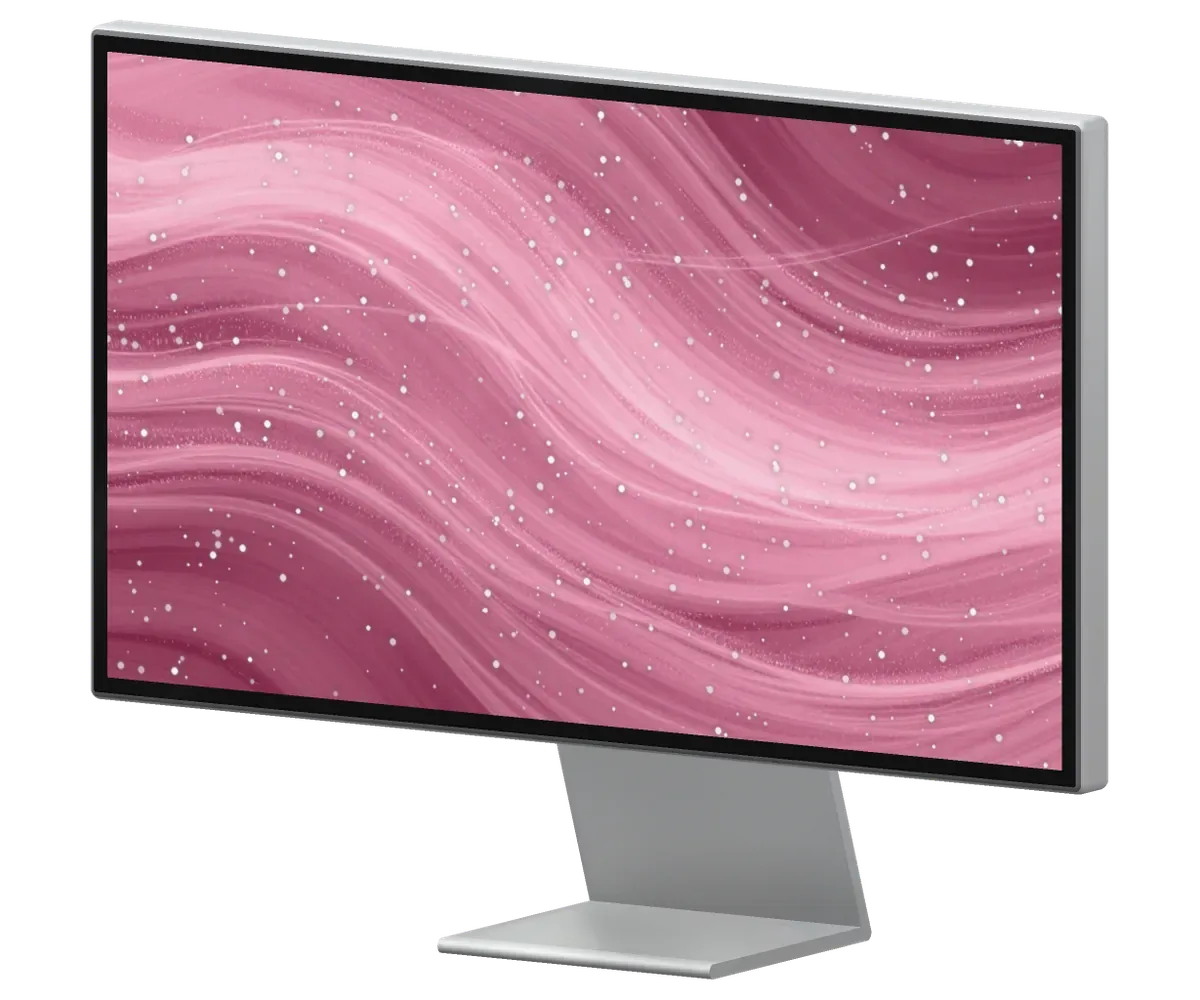
A big display stays on for hours, so picture, backlight, camera and speaker faults tend to appear early.
During a video call the picture stalls or the camera cuts out suddenly.
Brought in from the cold and switched on: the screen stays dark or flickers.
The microphone catches background noise or delivers your voice too faintly.
One corner looks darker and a patch shows on a white background.
The body vibrates on low notes and the sound distorts.
The plug or port runs warmer than usual and the laptop charges slowly.
A clicking sound comes from the hinge whenever the angle changes.
After installing an update the camera or the sound stops working.
Dots and hairs show between the glass and the panel on a white background.
The brightness slider in macOS has no effect on the monitor picture.
Colored or black pixels glow on the screen and show on a solid background.
The monitor goes dark and comes back on every few minutes.
We name the amount after diagnostics: it depends on the faulty unit, be it the screen, camera, sound or board.
| Service | Original | Aftermarket |
|---|---|---|
| Display panel replacement | 75 900 ₸ | 46 900 ₸ |
| Glass replacement | 29 900 ₸ | 16 900 ₸ |
| Backlight repair | 21 900 ₸ | 13 900 ₸ |
| Control button replacement | 15 900 ₸ | 8 900 ₸ |
| Other repairs | Price | |
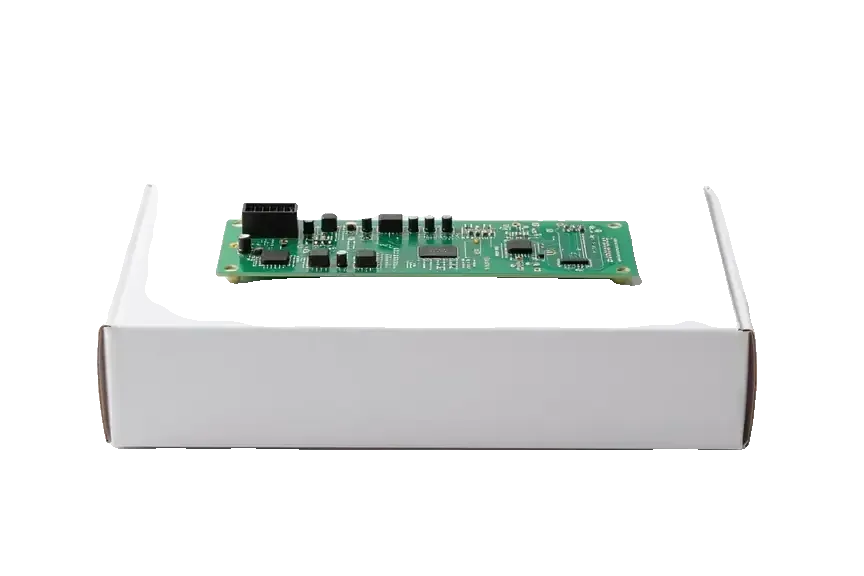
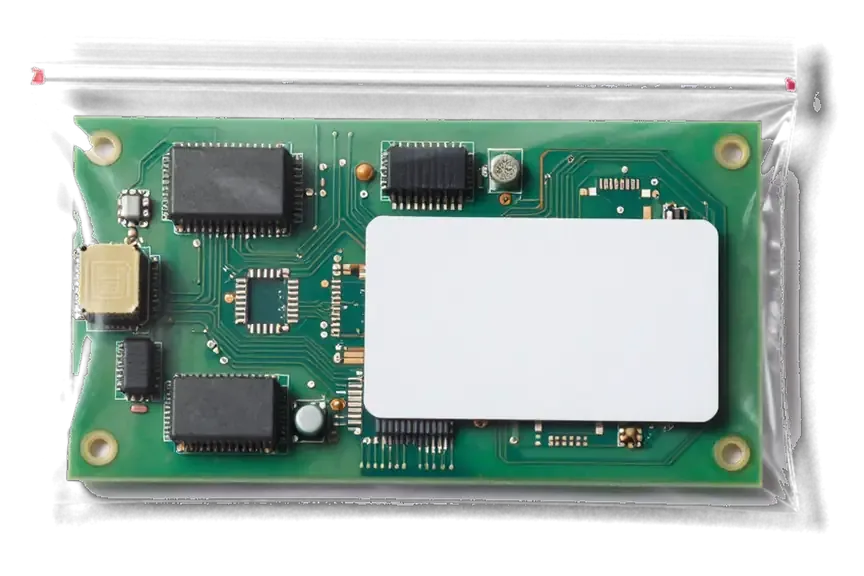
| Board repairmicrosoldering · 1–3 days | 11 900 ₸per job | |
We agree the jobs and the cost with you before repairs begin, and the decision is yours.
Replacement components made to work with the Studio Display are offered as well
Working with a home-office monitor is safest when terms are agreed first and the repair begins only after that.
Eleven years of repairs help to separate a simple cause from a complex fault and find a fix without needless cost.
Completed repairs are covered by a warranty of up to 1 year. We explain what it includes before work begins.
Experienced technicians handle the panel, camera and board and put delicate displays back together with care.
Years of practice let us quickly spot whether the issue is firmware, a bad cable, the computer itself or a display fault.
We have branches in both cities, so you can bring the display to whichever is closer.
We receive customers on weekdays 10:00–19:00 and on weekends and holidays 11:00–18:00.
Usually the whole journey — from message to pickup — takes less than an hour; complex repairs follow the timeline in the receipt.
Book a repairYou send a photo of the damage on WhatsApp — we quote the price and available time. Or you call a courier.
An engineer checks the device in front of you and shows what is broken. 0 ₸, even if you decline the repair.
We fix the price, the part (original or analog), the timeline and the warranty. You sign — we start.
Before installation we show you the new part in its factory packaging. You wait in the waiting area with coffee and Wi‑Fi.
The image and backlight, the camera and speakers (if any), the ports. You check them together with the engineer.
Together with the receipt, warranty card and the old part. Payment — Kaspi, card or cash.
Technicians for iPhone, Mac, iPad, Apple Watch and AirPods repair.
Photo: Kudiret S. Photo: Kamran A.
Apple Studio Display 5K Repair in Astana for Every Fault
iServices repairs Apple Studio Display 5K in Astana with our own technicians, no intermediaries. A free 15-minute diagnostic comes first, performed in front of you. We show the replacement part in its factory-sealed box, and many issues are fixed in the lounge while you wait. Every job includes a warranty up to 1 year.
The Studio Display looks sealed, but inside it holds serviceable modules. Here is what our engineers open up and what usually comes back to life.
This 27-inch 5K Retina screen houses an internal power unit, a cable that cannot be detached, and a dedicated A13 processor responsible for the camera and sound. The panel carries the Thunderbolt input and three USB-C ports on the rear, while the speakers, microphones and webcam sit in the same aluminium housing. Because the A13 handles camera and sound separately from the display signal, a dead webcam does not always mean a dead screen — the two faults are diagnosed on different paths. That split matters when a unit arrives with a black screen and a silent webcam at once. An Apple Studio Display 5K repair Astana owners request most often starts here, separating the modules before touching the glass.
| Module | Restore or swap | What we check first |
|---|---|---|
| Power supply | Repair or replace | Voltage at the internal rail |
| Cable | Swap | Continuity and connector seating |
| Control board | Repair under microscope | Board traces and solder joints |
| 5K panel | Swap | Image test on a known-good Mac |
| Camera and microphones | Repair or replace | Firmware state before hardware |
| Speakers | Swap | Audio test across all channels |
| Thunderbolt and USB-C ports | Repair | Signal and power on each port |
Which stand you pick when buying — VESA, tilt, or tilt-and-height — has no bearing on how the panel gets serviced; the nano-texture glass affects only the cleaning routine for its surface. A tilt-and-height version adds a counterbalanced hinge, and the VESA adapter replaces the foot with a mounting plate. Nano-texture is an etched finish applied to the glass, so it scatters reflections instead of bouncing them; the coating sits on the surface and cannot be polished back once worn. Nano-texture should never be wiped with a standard cloth or spray; a dry microfiber prevents micro-scratches that no repair can reverse. Most surface damage we see comes from ordinary household cleaning, not the workshop.
A black display without a startup chime or any indicator light is what most often brings a Studio Display to our workbench. The power path is short, and the fault usually sits in one of two places.
Why the Power Supply Fails First When a Studio Display is completely dead, our engineers check the internal power supply first, because it feeds every other module and is the most frequent point of failure. Because the power supply sits within the aluminium chassis, voltage on the rail must be checked from inside the case. A healthy one delivers stable voltage to the panel, the logic board and the fan; a failing one drops under load, and the screen stays black while the Mac sees nothing on the Thunderbolt bus. This module is a common cause of no-power faults, ahead of cord faults and board damage. A unit that fails slowly can still light the screen for a few seconds before cutting out — that flicker is a supply symptom, not a panel symptom.
The power cable on a Studio Display is not user-removable, so a damaged cord is a workshop job — we open the housing, replace it and re-seal the unit. The lead is fixed to an internal connector instead of a socket, so there is no plug to pull out and no third-party part to buy. The replacement runs from the connector on the supply board out through the strain relief at the back; the adhesive seal is renewed so the case closes flush and dust stays out. A frayed jacket or bent connector cannot be taped over, because the fault sits inside the insulation and the rail still drops. Most damage comes from pets chewing the lead or repeated tight bending behind a desk; routing it with slack prevents the same fault from returning.
We connect the display to a known-good Mac with a known-good Thunderbolt cable; if the image appears, the fault was never in the monitor. The bench test swaps one variable at a time: first the cable, then the host machine, then the Mac's port. A Studio Display draws power and carries signal over the same Thunderbolt link, so a cord that still charges a laptop can fail to carry a 5K stream. Our free diagnostics take 15 minutes in front of the customer, and the engineer shows which link drops. A failing Thunderbolt cable can imitate a dead display perfectly — it delivers power but drops the signal, so swapping it saves an unnecessary teardown.
Not every fault is hardware. The A13 chip runs the camera and audio on its own software, and a stalled flash can silence both without a single broken part.
If the camera or speakers stop working but the image is fine, we check the software state before touching any hardware, because a failed flash can disable both. Because the A13 chip runs the webcam plus the three microphones and the six-speaker array, a single corrupted block disables every one of them even though 5K video output carries on. We connect the unit to a test Mac over Thunderbolt, read the installed version and compare it against the last stable build. When the fault is logical, recovery restores audio and video without opening the chassis. A webcam that works in one app but not another is usually a macOS permissions issue, not a monitor fault.
If a Studio Display freezes during an update, we restore it by linking it to a Mac and repeating the recovery procedure, carried out at our workbench using a test machine. The screen shows no image or a looping progress bar, macOS no longer lists it as a connected device, and the utility reports a handshake error over Thunderbolt. For such cases we reserve a Mac solely for flashing, because the process demands a stable host that will not sleep midway. A full reinstall on the bench usually finishes well inside the hour. Interrupting the process by unplugging the monitor turns a soft fault into a hard one — leave the display connected until it reports completion.
After any repair we run a 32-function check of about 10 minutes covering the camera, microphones, speakers, charging and network alongside the image. The engineer opens a live call, watches input levels on each microphone, plays a test tone through the speakers and confirms that the Thunderbolt input and the three USB-C ports pass data at full speed. We never sign off on a single sample — a microphone that records fine in a short clip can still drop out after ten minutes of continuous input. Mic faults often surface only in a call, so we watch levels in a live app. Owners can watch this run and confirm each function with the engineer.
The display is bonded to the housing with adhesive tape, as on an iMac, so opening it is careful work. Teardown reveals whether an image fault sits in the glass or on the circuit.
Horizontal lines and flicker typically indicate a control board issue or a loose internal connector, whereas dark spots fixed in one location indicate the glass itself. A single bright pixel that never changes colour is a dead pixel, and a cluster in one corner is a matrix defect rather than a circuit fault. Vertical bands that shift with brightness often trace back to a ribbon connector that worked loose behind the screen after a knock or a move. We test the internal connection first, because reseating a cable is quick and tells us within minutes whether the control board is involved. A spot that moves with the viewing angle is often dust behind the glass, not a dead pixel — cleaning it is cheaper than a full swap.
Using suction cups and controlled heat, we separate the display, then glue it back with new adhesive tape to restore the seal and fit. The heat softens the tape evenly along all four edges, which matters on a 27-inch glass sheet — a cold pull cracks the corner every time. Suction cups go on the frame, never on the coated surface, and the unit comes up at a shallow angle while the ribbon stays clear. We show the old strip and the new roll before closing the housing. A screen that creaks or admits dust after repair is usually the result of reusing old adhesive — applying fresh tape is therefore standard in our work.
Faults at board level in a Studio Display get fixed beneath a microscope, a process lasting 1 to 3 days since every trace is verified manually. The control board carries the display logic, timing controller and power regulation, so a single damaged trace can kill the backlight or leave the screen stuck on black. Our engineers reflow the affected joints and test continuity along the signal path before the part goes back in. Most such faults come from a power surge or liquid reaching the logic side through the vents. This repair is worth it because the module carries the display logic — restoring it keeps the original panel and its calibration intact.
Carrying a 27-inch monitor is cumbersome, so the main things to clarify are the duration of the work, what the warranty covers and the safe way to transport it.
Most Apple Studio Display 5K repairs are finished while you wait, and the whole process from first contact to pickup usually takes less than an hour for common faults. The engineer replies on WhatsApp within 5 minutes and quotes a price from a photo, then books a free slot; 72% of jobs are completed while the customer waits with coffee and Wi-Fi. A screen fault or a cable issue is typically done in 20 to 40 minutes, and the 32-function check afterwards adds about 10 minutes. Board-level work is the exception at 1 to 3 days, so a fault needing the microscope is quoted with that timeline up front.
Each repair is covered by a warranty up to 1 year; before work begins, the receipt locks in the price, the part used, how long it takes and what the coverage includes. The new part is shown in factory packaging before installation, and 64% of customers choose an original one over an aftermarket equivalent — the document states which went in. You leave with the receipt, the guarantee card and the old item, so nothing about the job depends on memory. That written record matters as much as the coverage itself — it names the exact piece fitted, so a later claim is settled against paper instead of a verbal promise.
Courier pickup of the display is available; should you deliver it in person, transport it standing up with the stand bearing the weight, never lying flat on the glass. Wrap the panel in padding and let the stand carry the weight; a 27-inch aluminium body is heavier at the top than it looks. Carrying a Studio Display face-down puts the panel's weight on the bonded edge, where the adhesive seal is weakest — an upright, padded trip avoids a crack no coverage plan will cover. If the unit will not power on, pickup can be arranged the same day, and diagnostics stay free even if you decide against the repair.
A Studio Display rarely fails beyond repair — most faults trace back to a handful of serviceable parts. The list below sums up what matters when proceeding.
Did not find an answer? Message us on WhatsApp: an engineer replies, not a bot.
Ask a questionNot always: short blackouts are often caused by the cable or the Mac's port. If the screen goes dark while nothing in the setup changes, the built-in power unit and the board of the Studio Display are checked.
Yes, a dark or bright spot that stays in one place means damage to the panel or its backlight. It is solved by replacing the panel, after the engineer rules out dirt between the layers.
They work at regular USB speed rather than Thunderbolt speed, so an external SSD runs slower there than when plugged into the Mac directly. That is normal and not a fault of the display.
Only the variant equipped with a VESA mount adapter works with a monitor arm. You pick the stand when buying, and swapping it later isn't intended for owners, so confirm your version before getting an arm.
No, the extra ports on the Studio Display carry data and power for accessories, not video. Each display needs its own Thunderbolt connection to the Mac.
Bring the Thunderbolt cable from the box and, if possible, the Mac you use with it. Firmware checks and camera tests run through macOS, so this makes the diagnosis faster.
Живу в Есиле, искала поближе к дому. Проблема — нет изображения. Пользуюсь и вспоминаю добрым словом.
Было важно, чтобы сделали до конца недели. Обратился по поводу Studio Display 5K. Проблема — полосы. Приняли, объяснили, что и почему. По факту меняли: блок питания. В 34 500 уложился, как и обещали. Вернусь при необходимости. Внешне не видно, что разбирали
В Астана сервисов много, но по Apple берут не все. Проблема — мерцает подсветка. Вернули — проверил, всё ок.
Искала сервис, где дадут гарантию и чек. Уронила на плитку — и всё, полосы. После ремонта — как новое
Было ощущение, что ремонт не окупится. Проблема — полосы. Проверил на всех режимах — держит.
Неделю лежал без дела, теперь полосы. Ни разу не пожалел. Функционирует, тьфу-тьфу.
Проблема — нет изображения. Камран А. принял без вопросов, хотя был без записи. Вернули — проверила, всё ок)
Обратился по поводу Studio Display 5K. Проблема — не включается. Камран А. показал старую деталь, всё прозрачно. Приняли вечером, хотя до закрытия было минут десять. По факту меняли: блок питания. 73 000, и гарантия в комплекте. Доволен, если коротко. Работает, как будто и не ломалось.
У нас в офисе три таких ноутбука, один сломался. Проблема — нет изображения. Сейчас работает без нареканий
Скептически относился, пока не забрал. Проблема — полосы. Проверил на всех режимах — держит.

 iPad
 MacBook
 iMac
 Mac mini and Studio
 Apple Watch
 AirPods
 Apple Pencil
 Apple TV
 HomePod

