KS Photo: Kudiret S.
Kudiret S.
iCloud unlock specialist
10years of experience
4.37rating, 100 reviews

A Mac Pro workstation shuts down under load or gets loud — we check the power and cards, and lock the price in the receipt.
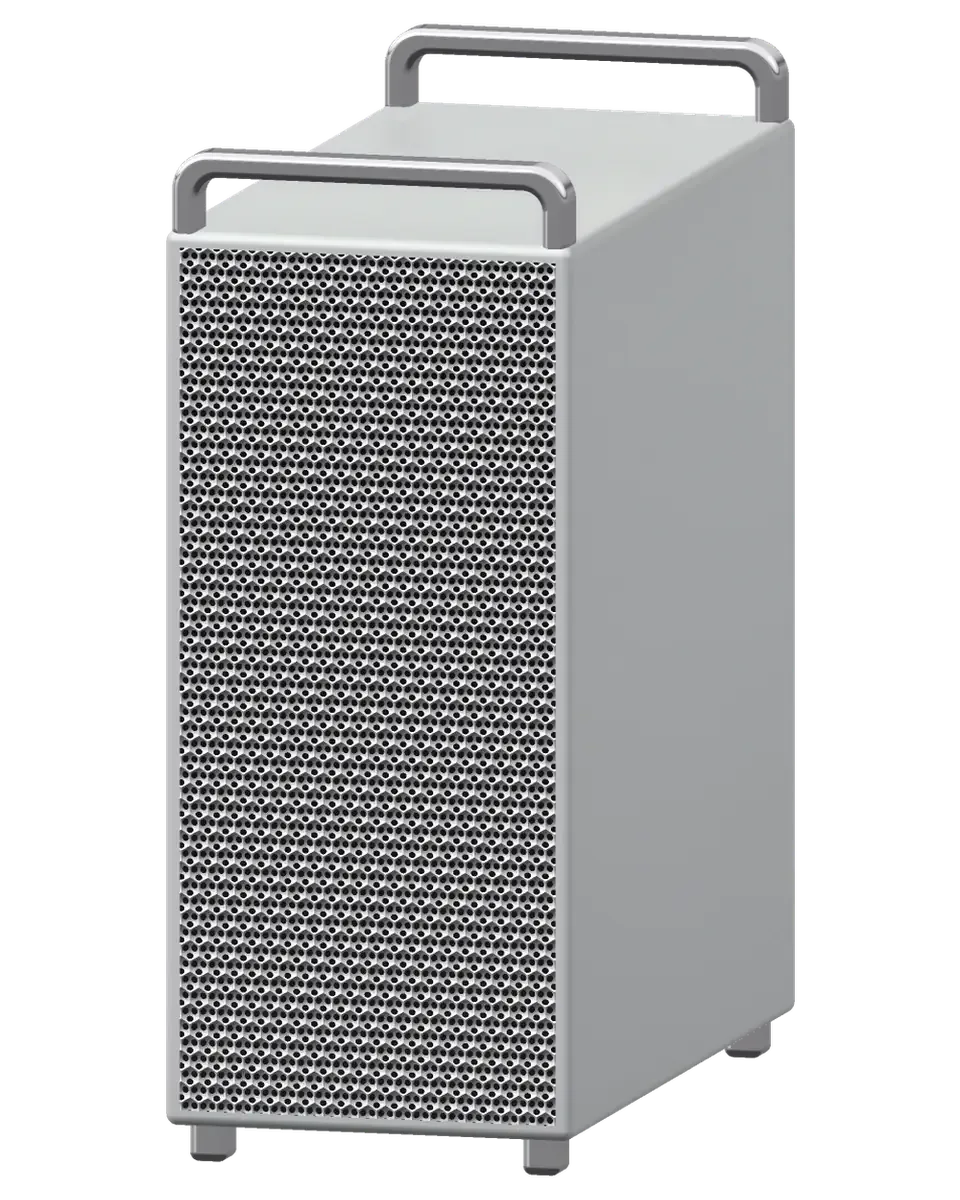
Studios run a Mac Pro for hours on end, so faults tend to surface mid-render, in drive arrays and along the audio chain.
The workstation cuts out after hours of calculation: heat, power or an unstable card.
It worked yesterday, now nothing: the supply or a protection circuit on the board.
The hum shows up in sound recordings: clogged air paths or worn bearings.
Streaks and flicker on screen: the graphics card, a PCIe slot or the output cable.
An external Thunderbolt array comes and goes: a port, a cable or a controller.
Clicks and dropouts in sound: port power, the PCIe bus or the interface itself.
Apps quit and the system restarts: we test the modules and slots.
The machine hangs at startup: a disk, firmware or hardware failure.
Typical Mac Pro issues we handle at our repair service
The wireless mouse loses connection and the network disappears for no clear reason.
After installing a PCIe card the workstation hangs at startup or stays silent.
The built-in speaker and 3.5 mm jack give no sound even though the volume is up.
We set the cost of a Mac Pro repair once diagnostics are done; a request can be left by phone or on WhatsApp.
| Service | Original | Aftermarket |
|---|---|---|
| Power supply replacement | 80 900 ₸ | 44 900 ₸ |
| Fan replacement | 24 900 ₸ | 13 900 ₸ |
| USB-C / Thunderbolt ports replacement | 37 900 ₸ | 20 900 ₸ |
| Other repairs | Price | |
| SSD installationstorage installation | 39 900 ₸with parts | |
| RAM replacementmemory chip installation | 16 900 ₸with parts | |
| Graphics card replacementboard-level chip · microsoldering | 89 900 ₸with parts | |
| Dust cleaningdisassembly and dust cleaning | 17 900 ₸per job | |
| Logic board repairmicrosoldering · 1–3 days | 44 900 ₸per job | |
| Wi-Fi module repairwireless module · board-level repair | 33 900 ₸with parts | |
| MacOS installationOS installation, no parts replaced | 12 900 ₸per job | |
The outcome depends on the workstation generation, the part needed and the complexity of the job, so a sum is not given upfront.
For a workstation that a workflow is built on, choosing a part comes down to how much downtime you can accept.
Studios in Astana value predictability: diagnosis without guesswork, a slot that suits your day and a warranty on the work.
If the same fault shows up again, our warranty of one year means we revisit the job without arguing.
We establish the cause first and discuss cost after, so your decision is made knowing exactly what has failed.
Eleven years with Apple hardware has built experience with both light computers and complex multi-component workstations.
A pro machine deserves fault testing under real load and a clear explanation, not part-swapping guesswork.
A pro-grade machine has to be diagnosed under genuine load, with a clear explanation of the fault, rather than guessed at by replacing components.
After eleven years repairing Apple gear, we understand how these complex workstations are put together and where they typically fail.
Usually the whole journey — from message to pickup — takes less than an hour; complex repairs follow the timeline in the receipt.
Book a repairYou send a photo of the damage on WhatsApp — we quote the price and available time. Or you call a courier.
An engineer checks the device in front of you and shows what is broken. 0 ₸, even if you decline the repair.
We fix the price, the part (original or analog), the timeline and the warranty. You sign — we start.
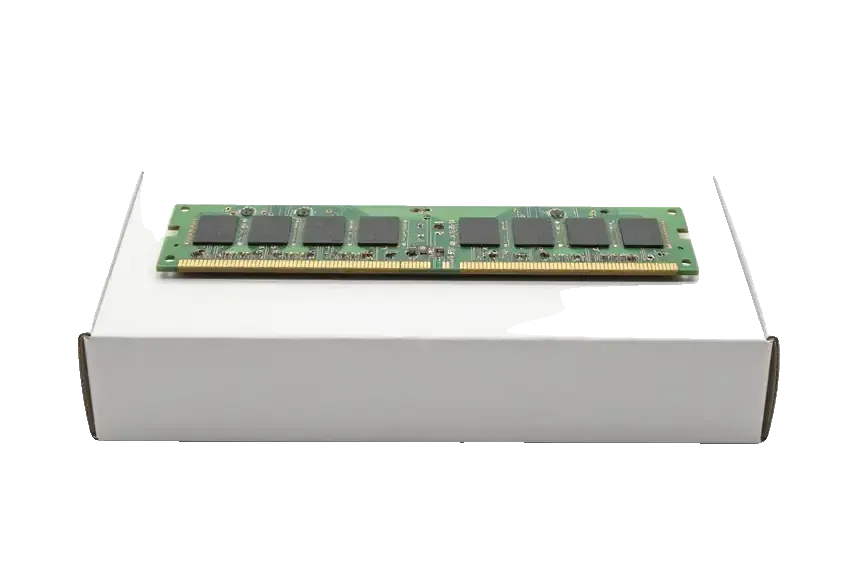
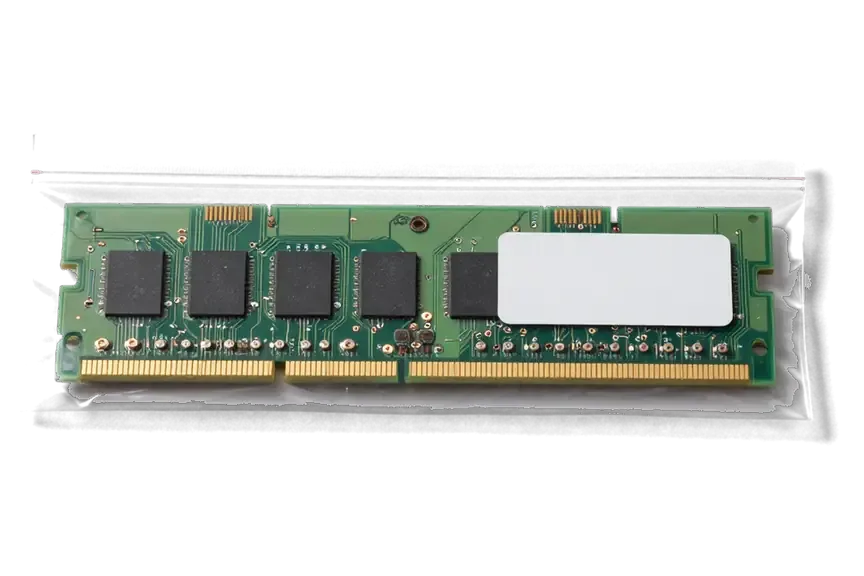
Before installation we show you the new part in its factory packaging. You wait in the waiting area with coffee and Wi‑Fi.
Startup and operation under load, ports, Wi‑Fi and Bluetooth, sound. You check together with the engineer.
Together with the receipt, warranty card and the old part. Payment — Kaspi, card or cash.
Technicians for iPhone, Mac, iPad, Apple Watch and AirPods repair.
Photo: Kudiret S. Photo: Kamran A.

“If the repair didn’t suit you or you have a complaint, write to me personally.”
Send a photo of the fault — an engineer will reply on WhatsApp, give the price and a time you can come in.
Mac Pro Repair in Astana for Every Generation of the Workstation
For daily work in Astana, owners turn to iServices for mac pro repair, which covers the cylinder, the Intel tower and the Apple Silicon tower. Diagnostics are free and performed in front of you within 15 minutes; many units are fixed on the spot, and each job carries a warranty up to 1 year.
Three main builds make up the workstation line, and the swap options vary considerably from one to another. Here is how we treat each one at our workshop.
| Build | Processor | Memory and graphics | What we can swap |
|---|---|---|---|
| Cylinder | Intel Xeon | Two graphics boards on one heatsink | Graphics boards, PSU, fans, board repair |
| Intel tower | Intel Xeon | Memory modules of DIMM type, MPX graphics, and PCIe cards | Memory, MPX modules, PCIe cards, PSU, SSD |
| Apple Silicon tower | Apple Silicon Ultra | Memory and graphics inside the chip | PCIe cards, PSU, fans, board-level repair |
Inside the cylinder, one central heatsink serves two GPU boards along with a lone fan, which makes heat accumulate quickly — video faults top the list of failures we encounter. The two boards sit on that shared heatsink, and one blower pulls air through the whole core, which means a dusty intake raises temperatures on both boards at once. When a cylinder arrives with artifacts or dropped video under load, we check fan behaviour and thermal paste before touching the modules. On this generation the GPU modules, power supply and fans are all swappable, so a failing module rarely means a dead machine. For Astana owners seeking mac pro repair on this generation, a thermal check always comes first, ahead of any logic work. A cylinder showing artifacts or dropping video under load should be cleaned and re-pasted before the modules fail outright, not after.
Among the units we service, the Intel tower offers the greatest modularity, whereas the Apple Silicon build includes PCIe slots but has memory and GPU integrated into the chip, making those impossible to add. On the Intel build you can change DIMM memory, MPX GPU modules, PCIe cards, the power supply and the SSD, and we handle each of those as a separate job. On the Apple Silicon Ultra build the memory and GPU are part of the chip itself, so a fault there is board-level work rather than a swap. With the Intel build, the T2 chip controls the SSD, meaning a drive fault calls for board-and-firmware work rather than a simple disk swap.
Owners rarely describe a part, they describe a symptom. These are the failures we meet most often and the signs that point to each one.
When a Mac Pro shows no signs of life, the cause is typically a supply unit, a mains cable or connector, or a board fault — we check the rail first to separate these cases. Since the tower's supply is its own module, it can be tested independently before touching anything else. A dead fan, a click on startup or a faint LED that never lights all narrow the search to the same three candidates. On the cylinder the supply is integrated and shares its path with the cooling assembly, which changes how the test is run. We start with a free 15-minute diagnostic in front of you, so you see the meter readings rather than a verdict. A cable or connector fault can look identical to a dead PSU, so swapping the cable before condemning the unit saves an unnecessary part.
On the Intel tower, missing memory usually means a loose DIMM or a faulty slot; a drive that disappears often points to the T2 chip, requiring firmware work. The tower has easily reachable slots, so a stick that came loose in transport is a two-minute fix once the side panel is off. A slot that reads one stick and ignores its neighbour points to the slot rather than the module, and we test both before ordering anything. Drive faults behave differently: the SSD modules sit behind the T2, and a controller that drops the drive mid-boot needs firmware recovery on the bench, not a swap. Reseating memory is a two-minute check, but a T2-related drive fault is a board-level job, so the two should never be quoted as the same repair.
Downtime on a workstation eats into your working hours, so diagnosis must be quick and transparent. This is how we carry it out with you watching.
In 15 minutes we perform free diagnostics with the customer present — even when repair is declined — and the engineer points out precisely what has failed. The bench starts with a power delivery test under a lab supply, then a POST pass to see how far the board boots, then a memory sweep and a graphics load. On the Intel tower each DIMM is pulled and verified on its own, so a single bad stick is named rather than guessed at. The whole procedure fits into a coffee break, and 72% of the repairs we take on are finished while the customer waits in the waiting area. Seeing the fault on the bench lets you decide between repair and replacement with real information instead of a guess.
Ahead of any work, the receipt records the agreed price, the part (original or aftermarket), the timeline and the warranty, leaving no room for surprises. Writing the receipt takes roughly 2 minutes, and before installation the new part is displayed in its factory packaging. Turnaround is quoted per job rather than as a flat promise: board-level work goes under the microscope and takes 1–3 days, water damage can stretch diagnostics to two days, and the exact time for your machine is named after the free diagnostics. A written turnaround is what lets you plan around the downtime instead of calling the shop every day.
Not every fault needs a new board, and not every fault can be solved by swapping a module. This is how we choose between the two.
On the Intel tower, memory, MPX graphics and PCIe cards are modular, so a faulty unit is often a straight swap rather than a logic board repair. DIMM slots take standard memory, the MPX bays accept a graphics card as a single unit with its own cooling, and the PCIe lanes feed expansion cards for capture, storage or networking. A workstation that boots but drops a channel, shows no image or loses a drive is a candidate for a clean replacement, and the swap itself is quick — most modular work is finished the same visit. Only the hardware quality makes a swap worthwhile — that's why, prior to installation, we display the replacement component still sealed in its factory box.
Board-level faults, including T2 and Apple Silicon power issues, we repair under a microscope, which usually takes 1 to 3 days. A workstation that will not power on, restarts under load or shows artifacts often has a failed power rail, a cracked joint or a shorted element rather than a completely dead mainboard. Using a microscope alongside a soldering station, our technician follows the rail, swaps out the faulty element itself, then checks everything again prior to reassembly. Component-level repair keeps the original circuitry and its data path intact, which matters when a full replacement is not an option.
| Option | Source | Best for | Warranty |
|---|---|---|---|
| Original part | Factory component | Heavy daily workloads | Up to 1 year |
| Aftermarket part | Compatible component | Lighter or occasional use | 6 months |
| Either option | Matched by the engineer | Mixed projects | Up to 1 year original, 6 months aftermarket |
Since a workstation holds your projects, a clean handover and data safety count just as heavily as the repair work. Here is how we close a job.
DFU restoration with a second Mac handles firmware on Apple Silicon and T2 units, and your data stays the top concern at every step. The engineer connects the unit to a host machine over USB-C, revives the bridgeOS or the Apple Silicon firmware, and only then moves on to the hardware fault. On Intel builds with a T2 chip the same procedure restores the security controller that otherwise blocks boot; on later Apple Silicon versions it is the only way back from a corrupted boot chain. Ahead of any of this we ask about your Time Machine backup and, where one exists, verify it mounts and shows a recent snapshot. A DFU restore can wipe the drive, so a backup check prior to any firmware work is the step that protects your projects.
You can call a courier for a heavy machine, and after the repair we run a load test and check 32 functions in about 10 minutes before handover. The equipment travels in its own foam-lined box or in our rigid crate with the handles braced, because a bare workstation in a car boot is how bent feet and cracked PCIe brackets happen. Once the work is done we push the system under sustained load, watch temperatures and listen for fan ramping or coil noise, then confirm every port, the network and the audio path. A unit that passes a load test on the bench is far less likely to fail on the first big render at your desk.
Repairing a Mac Pro comes down to matching the fault to the right component and checking it before anything is ordered. These five points cover the decisions that matter most.
Did not find an answer? Message us on WhatsApp: an engineer replies, not a bot.
Ask a questionUsually the cause is heat or a power shortfall that shows up under long load. The technician checks temperatures, fans, heat sinks and the stability of the power supply.
Not necessarily: check the cable, another port and the array's own power first. If the fault repeats on every port, the Thunderbolt controller needs diagnostics.
Yes, the PCIe slots let you do that, yet you should consider the card's size, power draw and system support. Before buying, it is best to discuss the card with the technician.
A damaged power cord is simply replaced, since the Mac Pro uses a standard detachable cable. If the socket on the power supply is loose or burnt, the supply itself is inspected and repaired or changed. Do not use a cable with exposed wires even for a test.
Use rigid packing with spacers, lift the unit by its lower part and do not lay it on its side without support. Save your data to external media first.
Often yes: a burnt controller, a power circuit or a damaged connector can be fixed at component level. Whether that is possible becomes clear after the board is tested in Astana. Replacement is suggested only when repair is not sensible.
На Mac Pro Intel (2019) при подключении внешнего накопителя появлялись ошибки. По результатам диагностики проверели порты и работу хранения данных.
У моего Mac Pro (M2 Ultra, 2023) звук на подключённую акустику выводился с перебоями. В сервисе разобрались с настройками и аудиовыходом.
С Mac Pro (M2 Ultra 2023) вышла неприятность: изображение иногда исчезало на внешнем мониторе. Ребята проверили видеовыход и соединения.

 iPad
 MacBook
 iMac
 Mac mini and Studio
 Apple Watch
 AirPods
 Apple Pencil
 Apple TV
 HomePod
