BS Photo: Bakmukhammed S.
Bakmukhammed S.
on-site iPhone technician
13years of experience
4.93rating, 107 reviews

MacBook won't charge via MagSafe or the port gets hot — we'll check it free while you wait, quote before work, warranty up to 1 year. Independent service, not authorized by Apple
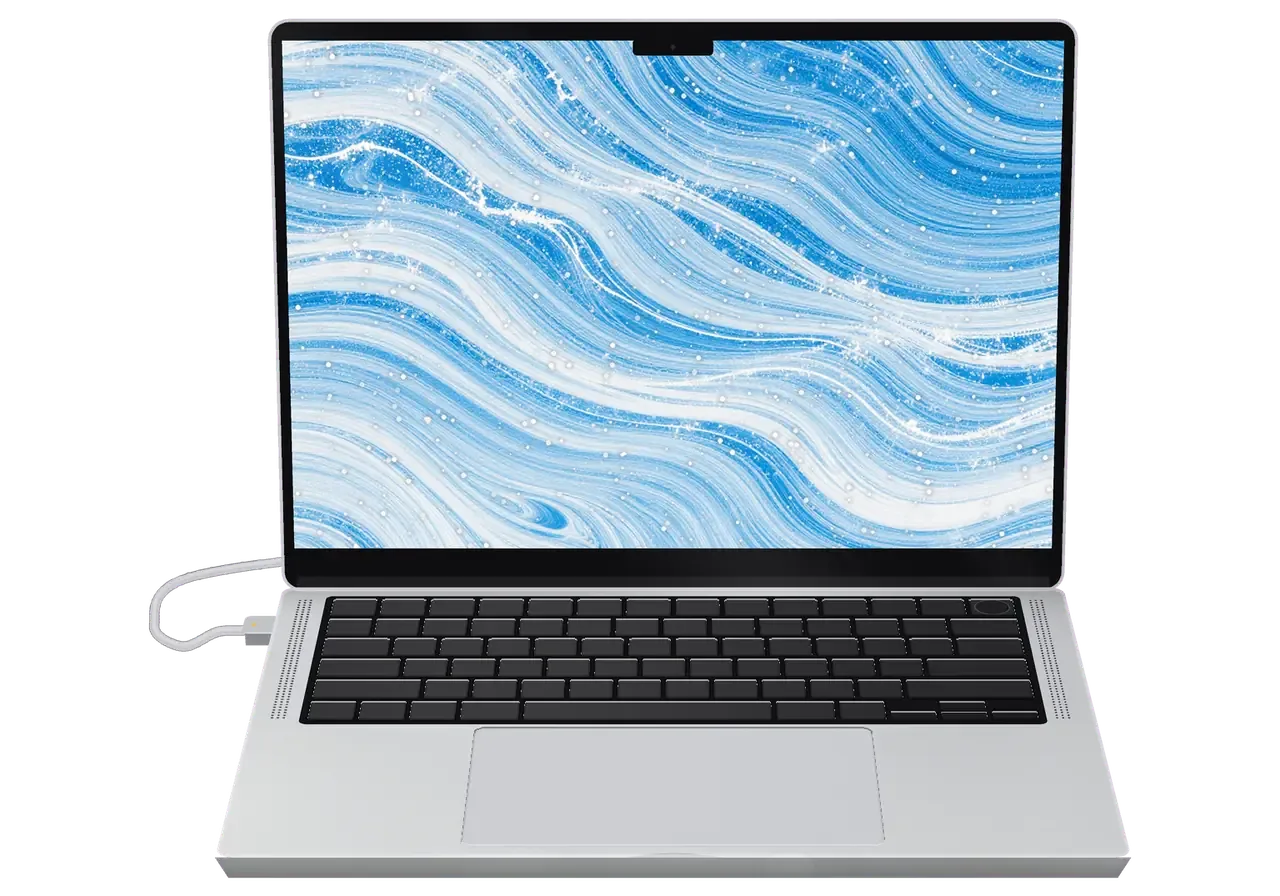
Pick your laptop or charger type to open the faults and pricing details that fit it.
Send a photo and we will identify the model and name the price.
Send a photoListed by how often each magnetic-charging problem shows up.
Charging drops out, the tip runs hot, the magnet will not hold, contacts look worn
02Wire bent near the connector, sheath split, charging works only when you twist it
03The brick is plugged in but the light is off and the laptop sees nothing
04Connector slides off on its own, never seats firmly, feels loose in the port
05The tip gets very warm while charging, plastic has changed color, odd smell
06Dust and debris packed in, unreliable contact, charging starts only sometimes
07Cable is attached but no charging sign appears, battery percentage stays put
08Phone will not snap on, charging never begins, the pad gets warm for nothing
09Glows orange for hours but the battery percentage never rises
10Black scorch on the plug contacts, the port sparks
11The magnet picked up metal bits, contact keeps dropping
12The socket wobbles in the case, the plug sits at an angle
The price depends on the device type and on where the fault sits, in the connector, the cable or the port.
Options differ by model, so the technician names the available parts once the fault has been checked.
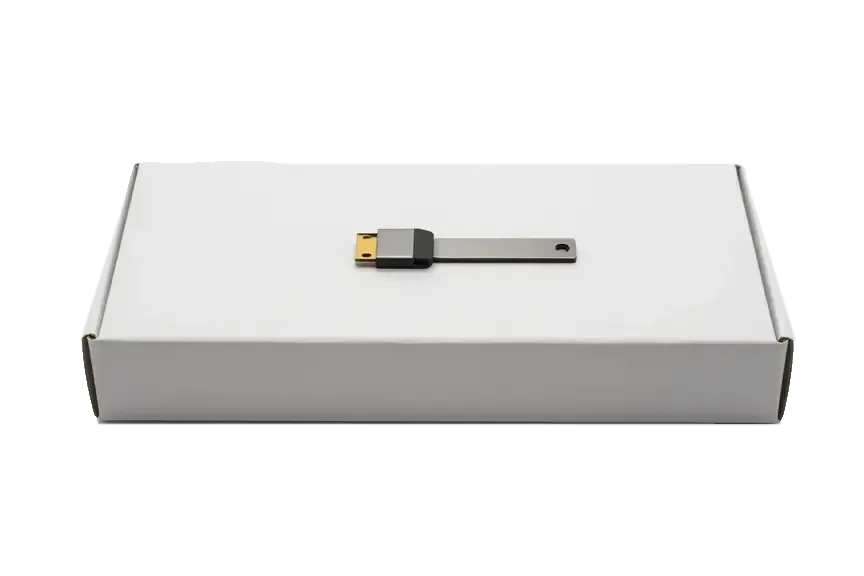
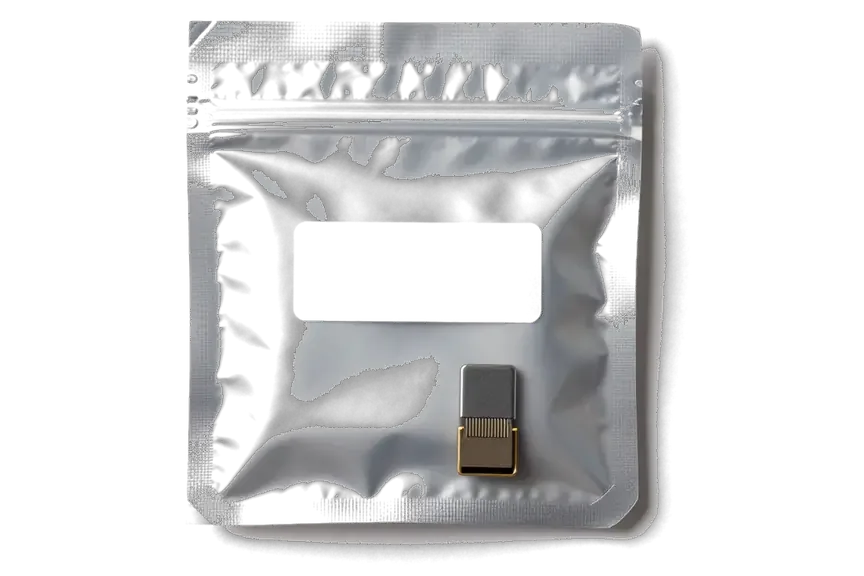
A charger fails along a chain of cable, connector and board, so it matters who hunts for the cause and how they do it.
Eleven years of work have shown us plenty of charging faults, so telling a cable fault from a connector or port fault goes quickly.
Warranty on the work lasts up to 1 year, and the technician confirms the terms for your case before the repair begins.
A experienced technician examines the device: first the exact location of the fault, then the scope of work for your approval.
Cable, brick and port are checked separately, so it is clear where the fault sits before anything gets replaced.
Connector replacement has its price in the table, while jobs like cable repair are quoted after diagnostics.
Mon–Fri 10:00–19:00, Sat–Sun and holidays 11:00–18:00, so you can drop by after work.
Usually the whole journey — from message to pickup — takes less than an hour; complex repairs follow the timeline in the receipt.
Book a repairYou send a photo of the damage on WhatsApp — we quote the price and available time. Or you call a courier.
An engineer checks the device in front of you and shows what is broken. 0 ₸, even if you decline the repair.
We fix the price, the part (original or analog), the timeline and the warranty. You sign — we start.
Before installation we show you the new part in its factory packaging. You wait in the waiting area with coffee and Wi‑Fi.
Charging, connector contact, indicator. You check together with the engineer.
Together with the receipt, warranty card and the old part. Payment — Kaspi, card or cash.
Technicians for iPhone, Mac, iPad, Apple Watch and AirPods repair.
Photo: Bakmukhammed S. Photo: Galymzhan S.
 Photo: Zhandos Sh.
 Photo: Darkhan T.
 Photo: Kudiret S.
“If the repair didn’t suit you or you have a complaint, write to me personally.”
Send a photo of the fault and the MagSafe model. An engineer will reply on WhatsApp, give the price and available time — no calls or forms.
MagSafe Repair in Astana for MacBook Charging Ports and Cables
iServices handles MagSafe repair in Astana as a direct contractor with its own technicians. We diagnose free in front of you in 15 minutes, fix most MacBook charging faults in 1 hour to 1 day, and back every job with a warranty up to 1 year.
Power reaches a MacBook along one chain from the wall socket to the logic board, and until every link is tested the faulty one cannot be named. We walk the chain in order.
A MacBook power fault always sits in one of four links — the cord, the power brick, the magnetic connector, or the power rail on the logic board. The cord carries current from the brick to the plug, the brick converts mains voltage to the DC the notebook expects, the socket passes that current through its spring pins, and the rail distributes it to the battery and the rest of the board. Each link fails in its own way: a cord breaks at the strain relief, a brick drops its output under load, the connector collects dust and loses contact, and a rail dies after liquid or a short. Work the chain from the cheapest link outward; a known-good brick and cord rule out two links in minutes and stop you from paying for a connector job you never needed.
We test your MacBook with a known-good brick and cord first, and if the indicator still stays dark the fault is in the connector or the board, not the accessories. The engineer plugs a verified power supply into the notebook through a fresh cord, watches the charge indicator, then repeats the test with your own accessories to see whether the light behaves differently. A cord that only fails when you bend it near the connector is a cord fault, while a socket that charges only at one angle points to worn spring pins inside the notebook. At iServices the check runs free of charge in front of you and takes about 15 minutes, so you leave knowing which link failed even if you postpone the repair.
Power that flows only at certain angles and a connector that runs hot usually travel together. Here is what happens to the metal inside the connector and when the symptom stops being an annoyance.
Heat at the plug comes from resistance at the contact point, and resistance rises when the spring pins are dirty, pitted or oxidized. Current forced through a narrow, corroded path turns part of the energy into heat instead of charge. Five small pins carry the full load, so a single pitted one raises resistance across the whole connection. Plastic housings around the tip discolour first, and a faint scorched smell follows. A plug that is warm to the touch during normal use is expected, but one you cannot hold your finger on is drawing current through a bad junction and should be unplugged.
When charging drops the moment the plug shifts, we look at the spring pins and the port housing, because a solid magnetic seat should hold current through small movement. Pins that have lost their spring tension sit loose against the adapter plate, and every slight nudge breaks the circuit for a fraction of a second. Moisture speeds this up: a thin oxide film forms on the metal and the connection weakens before any visible damage appears. Intermittent power left alone tends to arc at the pin, and arcing slowly burns the plating until the port stops working at any angle.
Three MagSafe generations are built differently, and the version on your MacBook decides what actually gets replaced — the plug, the cable or the DC-in board itself.
| Generation | Connector | Cable | Typical fault |
|---|---|---|---|
| MagSafe | Wide T-shaped head, 5 pins | Fixed to the adapter | Frayed sheath near the strain relief |
| MagSafe 2 | Narrow T-shaped head, 5 pins | Fixed to the adapter | Bent pins, worn contacts |
| MagSafe 3 | Rounded head, USB-C on the brick | Detachable USB-C lead | Lead swap, rarely the port |
We match the plug to the model before quoting, because a MagSafe 3 lead will not fit an older MacBook Pro and a MagSafe 2 plug will not seat in a 14-inch body. MagSafe 3 belongs to the MacBook Pro 14 and 16 and to the current Air line, while MagSafe 2 covers the thinner Retina-era shells, and the original wide head sits on the pre-Retina aluminium unibody machines. Our technicians read the model identifier on the bottom case rather than eyeballing the plug, since two shells from different production runs can look almost identical from the outside. That number settles the generation faster than the plug shape does, and it also tells us whether the port is a separate part or board-mounted before we open anything.
On some MacBook models the charging port sits on its own DC-in board, while on others it is soldered to the logic board, and that changes both the part and the labour. A separate DC-in unit is a short flex-and-screw job: the plug, its lead and the small PCB come out as one assembly and the replacement drops straight in. When the port is tied to the main PCB, the repair moves to board level — we work under a microscope, reflow the joints or replace the plug itself, and the machine stays with us longer. That distinction is why the same visible symptom can mean a twenty-minute swap on one chassis and a multi-day job on another, and why we confirm the layout from the model identifier before quoting.
Moisture and corrosion strike the contacts first, often before anything shows on the outside. We cover what appears at once, what surfaces later, and how to keep things from getting worse.
After liquid reaches the port we dry and inspect the pins under magnification, and diagnostics can take up to two days because corrosion spreads slowly and does not always show on the first look. Moisture sits between the spring contacts and the housing, where it starts eating the plating; the metal darkens, resistance climbs, and the MacBook begins taking power only at certain angles or not at all. A coffee spill, a soaked backpack, or condensation brought indoors from the cold all leave the same residue behind. Powering a wet connector drives current through moisture and accelerates corrosion, so keep the device off the charger until it has been checked.
Light surface oxidation can sometimes be cleaned and the part returned to service, but pitted or burnt pins cannot be restored by cleaning alone. A technician looks at the spring contacts through a magnifier: if the plating is intact and the darkening sits on the surface, a proper clean and re-test can bring power flow back. Once the metal is pitted, the surface is physically gone and no solvent rebuilds it. Cleaning buys time only when the plating is intact; once a pin is pitted, contact resistance stays high and the assembly keeps heating under load. Anyone promising a full fix with a brush and a spray is guessing.
A MacBook with MagSafe 3 can charge through a USB-C port as a stopgap, but that does not repair the magnetic connector and the fault stays until it is fixed. The notebook will draw power over the alternative path, and the battery indicator behaves normally, which is exactly why the workaround feels like a solution. It is not. USB-C power usually runs slower than the magnetic path, so a stopgap that feels fine at idle can leave the battery short under heavy load, and the damaged part keeps corroding in the meantime. Treat USB-C as a bridge to your next service visit, not a repair.
From your first message to picking up the device, the work follows clear steps. Here is what happens at each stage and how long each one takes.
For repair customers the process starts by sending a photo of the damage on WhatsApp, and an engineer replies within 5 minutes with a price and a free time slot. The shot should show the plug straight on, with the pins and the surrounding housing in frame. Before any work begins, the price, the replacement (original or aftermarket), the turnaround and the warranty are written on the receipt, and that takes about 2 minutes. The new component is then shown in factory packaging before installation. A photo taken straight on saves a trip, because the engineer can often name the likely component before the device is opened. This is how we run MagSafe repair in Astana, so the quote you get from a photo is the price you pay.
Diagnostics are free and take about 15 minutes in front of you, and the engineer shows what is broken even if you decide not to repair. On the bench the port, the power rail and the supply lead are checked one by one, so a vague "it does not charge" becomes a named fault. You can watch the whole check, ask questions and walk away without paying a tenge if the job is not worth doing. Seeing the fault on the bench is what makes the quote on the receipt hold, and it also tells you whether a simple cleaning will do instead of a full swap. The engineer explains each finding as it comes up, so nothing in the final note is a surprise.
| Job | What we do | Typical time |
|---|---|---|
| MagSafe port swap | Replace the DC-in board or plug | 1 hour to 1 day |
| Lead replacement | Fit a new supply lead | 20–40 minutes |
| Connector cleaning | Remove oxidation and debris | 20–40 minutes |
| Board-level repair | Solder under a microscope | 1–3 days |
A repair is more than the part that goes in. It is also the paperwork and the joint check at handover. Here is how we handle the choice of spare, the handover inspection and the documents you take home.
We offer an original part or an aftermarket one, show the new unit in factory packaging before installation, and 64% of customers choose the original. The engineer opens the box in front of you, so you see exactly what is going into the notebook rather than a spare that appears from a back room. An aftermarket plug is cheaper and works, but its pin plating and plastic housing are built to a different spec, which shows up over months of daily plugging. Original units carry the tolerance the board was designed around. The receipt names the item before work starts, so the choice is locked in writing rather than settled by memory at pickup.
The device comes back with the receipt, a warranty card covering up to 1 year and the old part, and a courier can be called if you cannot come in. That is the full set: proof of what was done, cover if the same fault returns, and the failed unit in your hand. Keeping the old item matters on a MagSafe job, because it shows exactly which pins or board failed and helps if the same fault returns. The warranty card states the term and the spare fitted, so a second visit does not start from zero. If a courier brings the notebook back to you, the same three items travel with it.
A MagSafe fault rarely has one cause, so the practical path is to test each link in order and fix only what fails.
Did not find an answer? Message us on WhatsApp: an engineer replies, not a bot.
Ask a questionOlder aluminium and early Retina MacBooks use the first two MagSafe versions, with a fixed cable and an L- or T-shaped connector. Recent MacBook Pro and Air models use the newest MagSafe with a detachable braided cable that plugs into a USB-C power adapter.
Yes, on older adapters with a fixed cable, the frayed end and the connector can be replaced while the power brick stays in use. With the newest MagSafe the cable is detachable, so only the cable itself is changed.
Yes, on most MacBooks the MagSafe socket sits on a small separate board, so it can be replaced without touching the logic board. The engineer first checks whether the port, the connector or the charging circuit is at fault.
On Apple's MagSafe charging puck the cable is built in, so a badly frayed cable usually means a new charger. A check still helps to confirm whether the fault is in the cable, the puck or the power adapter.
Thick cases and cases without a built-in magnet ring weaken the hold, so the charger sits loosely and charging slows or stops. Try charging without the case: if it holds firmly, the case is the cause rather than the charger.
It is better to stop. Blackened pins mean poor contact and local overheating, which can damage the port in the MacBook as well; have both the connector and the port checked.
The connector is magnetic, so it picks up small metal particles from bags and desks. They can bridge the pins and stop charging, so remove them gently with a dry soft brush or sticky tape, never with a metal tool.
On recent MacBook Pro and Air models with MagSafe, the USB-C ports also accept power. A suitable USB-C charger keeps you working while the MagSafe cable or port waits for repair.
Bring the charger together with the device it powers, plus any cable or case you use every day. Testing them together shows whether the fault lies in the adapter, the connector, the port or an accessory.

 iPad
 MacBook
 iMac
 Mac mini and Studio
 Apple Watch
 AirPods
 Apple Pencil
 Apple TV
 HomePod
